Android'de canlı duvar kağıdı nasıl ayarlanır
Güncellendi 2026-07-07
2Live'i ücretsiz indirAndroid'de canlı duvar kağıdı nasıl ayarlanır
 Free
FreeAMOLED Duvar Kağıtları
 Free
FreeUzay Duvar Kağıtları
Soyut Duvar Kağıtları
AMOLED Duvar Kağıtları
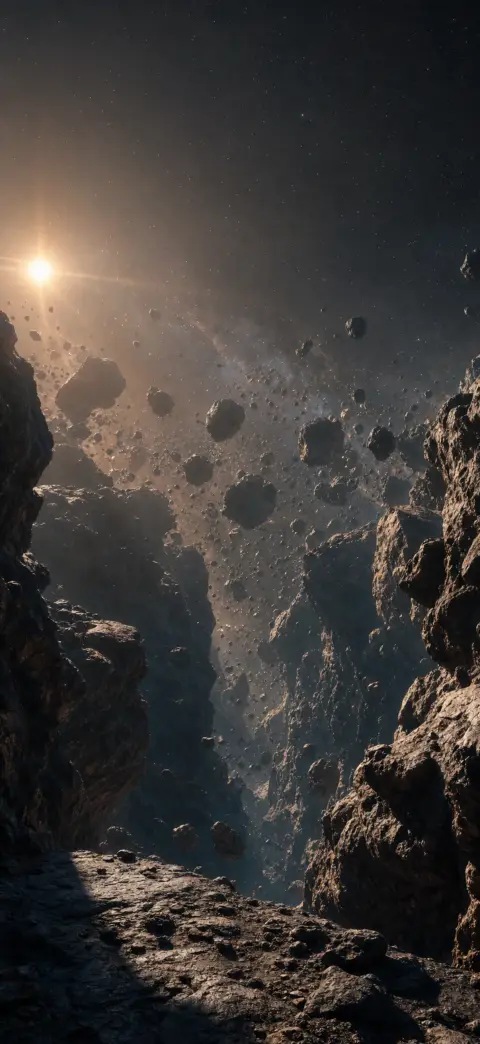
Uzay Duvar Kağıtları
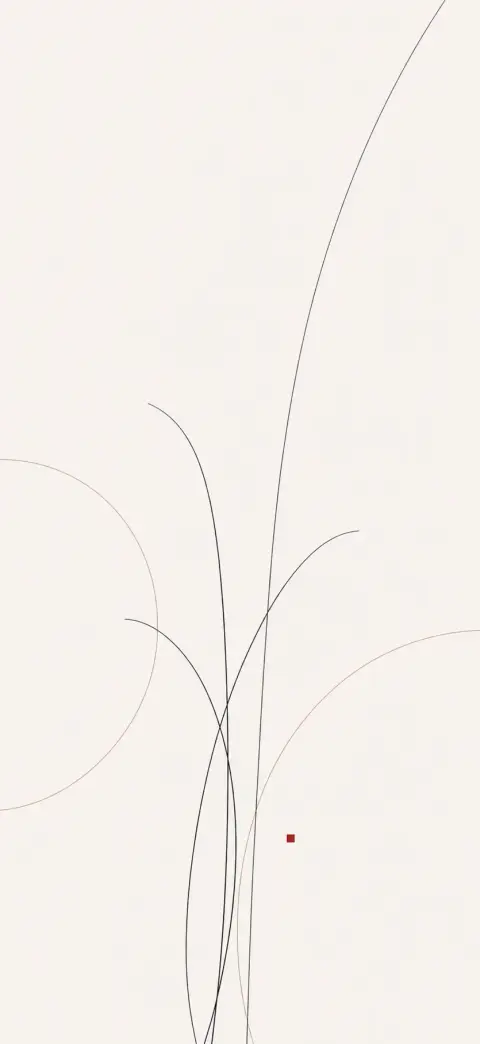
Soyut Duvar Kağıtları
AMOLED Duvar Kağıtları
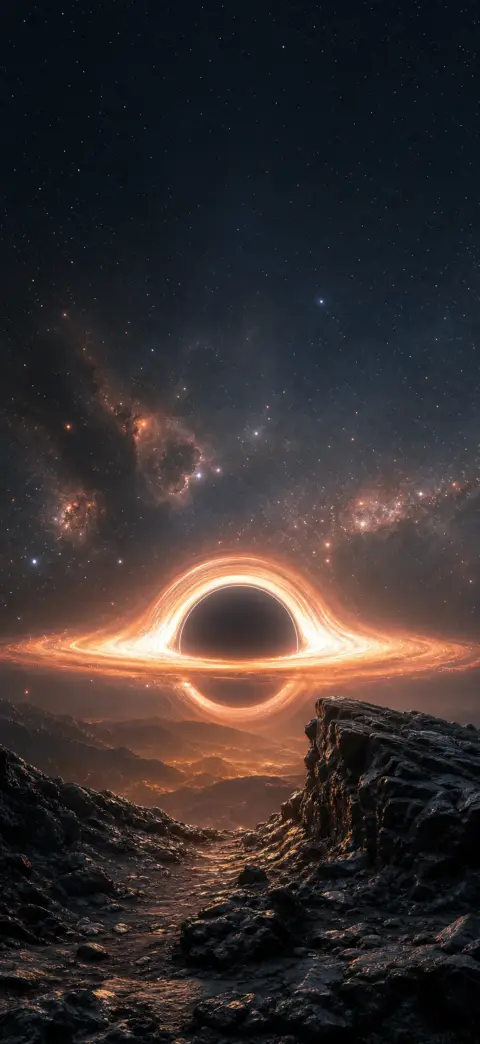
Uzay Duvar Kağıtları
Android yıllardır canlı duvar kağıtlarını destekliyor, ancak nerede göründükleri — kilit ekranı, ana ekran veya her ikisi — telefonunuza bağlı. İşte 2Live uygulamasıyla en hızlı ayarlama yolu, ayrıca kendi videonuzu nasıl kullanacağınız.
- 1
2Live'ı Google Play'den yükleyin
2Live'ı (4K canlı ve AMOLED duvar kağıtları) Play Store'dan ücretsiz edinin, ardından açın. Binlerce özenle seçilmiş 4K canlı duvar kağıdı ücretsiz ayarlanabilir.
- 2
Bir canlı duvar kağıdı seçin
Akışa veya bir kategoriye göz atın ve beğendiğiniz bir duvar kağıdına dokunarak tam ekran açın.
- 3
"Duvar kağıdı olarak ayarla"ya dokunun
Ayarla'ya dokunun. 2Live, animasyonu doğrudan uygulamak için Android'in yerel duvar kağıdı motorunu kullanır.
- 4
Nereye uygulanacağını seçin
Ana ekran, Kilit ekranı veya Her İkisi'ni seçin. Samsung Galaxy'de video canlı duvar kağıtları kilit ekranına uygulanır; Pixel ve çoğu telefonda canlı hareket ana ekranda çalışır.
- 5
Bitti — hareketin keyfini çıkarın
Hareket etmesini görmek için telefonunuzu kilitleyin veya ana ekrana dönün. Değiştirmek için sadece 2Live'ı açıp başka birini ayarlayın.
Kendi videonuzu canlı duvar kağıdı olarak ayarlayın
Kendi klibinizi kullanmak mı istiyorsunuz? Videoyu Galeri uygulamanızda açın, ⋮ menüsüne dokunun ve "Duvar kağıdı olarak ayarla"yı seçin — ardından Ana ekran veya her ikisini seçin. Alternatif olarak, ana ekranın boş bir yerine uzun basın, "Duvar kağıdı ve stil"e dokunun, Kilit ekranı sekmesini açın ve Animasyonlu/canlı kategorisinden seçin.
Samsung Galaxy kilit ekranı video duvar kağıdı
Samsung'un One UI'si bir videoyu doğrudan kilit ekranı duvar kağıdı olarak ayarlamanıza izin verir: ana ekrana uzun basın → Duvar kağıdı ve stil → Kilit ekranı → bir video seçin. Galaxy telefonlarda hareketli videonun yalnızca kilit ekranına uygulandığını unutmayın; ana ekran, güç tasarrufu için sabit bir kare kullanır.
Bir video neden her zaman ana ekrana ayarlanmaz
Birçok Android arayüzü tam hareketli videoyu kilit ekranıyla sınırlar ve simgelerle widget'ların bulunduğu ana ekranda, her şeyi akıcı ve pil dostu tutmak için sabit bir kare kullanır. Gerçek etkileşimli canlı duvar kağıtları (2Live'ın uyguladığı türden) ana ekranda çalışabilir, çünkü ham video yerine Android canlı duvar kağıdı hizmetleri olarak tasarlanmıştır.
Pil ve performans
Canlı duvar kağıtları sabit bir görüntüden biraz daha fazla güç kullanır, ancak modern telefonlar ekran kapalıyken veya sabit bir uygulamadayken animasyonu kısar, bu yüzden günlük pil etkisi azdır. AMOLED ekranlarda çoğunlukla siyah bir canlı duvar kağıdı daha da az güç harcar.
Sıkça sorulan sorular
Samsung'da canlı duvar kağıdını nasıl ayarlarım?
Ana ekrana uzun basın → Duvar kağıdı ve stil → Kilit ekranı, ve bir video ya da animasyonlu duvar kağıdı seçin — veya 2Live uygulamasıyla tek dokunuşta ayarlayın. Galaxy telefonlarda hareketli duvar kağıdı kilit ekranına uygulanır.
Ana ekrana canlı duvar kağıdı ayarlayabilir miyim?
Evet, çoğu telefonda. Etkileşimli canlı duvar kağıtları (2Live'dakiler gibi) ana ekranda çalışır; ham video klipleri telefonunuza bağlı olarak genelde kilit ekranıyla sınırlıdır.
Duvar kağıtları ücretsiz mi?
Evet — 2Live binlerce özenle seçilmiş 4K canlı ve AMOLED duvar kağıdını ücretsiz sunar, düzenli olarak yeni bir seçki eklenir.
Binlerce ücretsiz 4K canlı duvar kağıdına sahip olun