iOS 27 lock screen wallpapers: what actually changed
업데이트 2026-08-31
2Live 무료 다운로드iOS 27 lock screen wallpapers: what actually changed
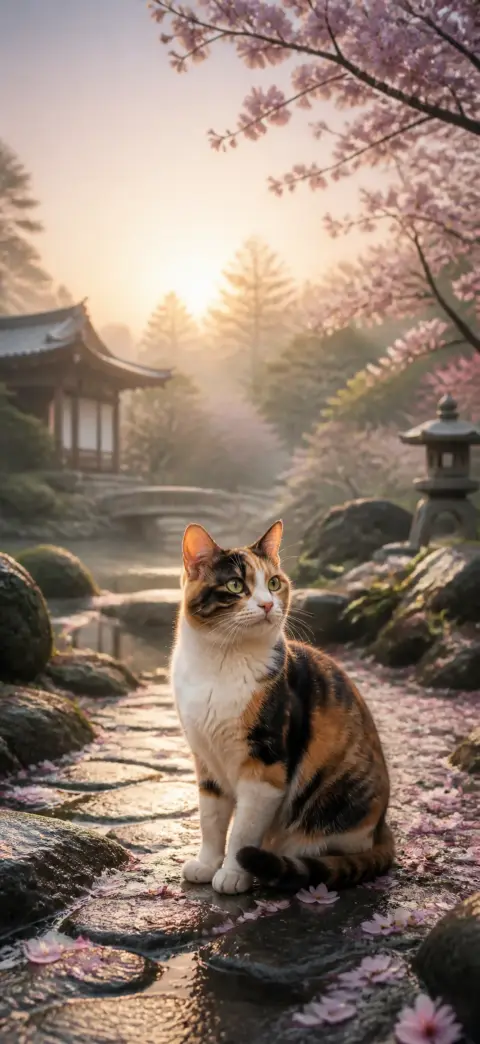

요약
- Four of the five changes are about the wallpaper itself: a compact clock, AI extension, AI generation and a legibility slider.
- The compact clock is the one that changes what a good wallpaper looks like. The rest change how you get one.
- None of them turn a video you already have into a working lock-screen live wallpaper.
iOS 27 is the biggest lock-screen release since iOS 16, and unusually, almost all of it lands on the wallpaper rather than around it. Here is each change, what it actually does when you sit down to set a wallpaper, and the one gap it leaves.
1. The compact clock — the one that changes composition
The time shrinks to a single line beside the date in the top corner, freeing the upper third of the screen. Your subject band grows from roughly 32–80% of screen height to 15–80%.
This is chosen per lock screen rather than globally, so both the old and new compositions stay valid — and tall subjects that never fit before suddenly do. It is the single change worth re-picking your wallpapers for.
2. Extend Your Wallpaper — cropping, solved
Apple Intelligence analyses a photo and paints in matching background beyond its original edges, so a shot that was never the right shape fills the screen without being cropped into. It is offered both in the lock-screen editor and in Photos.
If you have been avoiding your own photos because they arrive at the lock screen with the sides chopped off, this is the fix. It works on stills.
3. Image Playground wallpapers — generation, built in
Image Playground can now generate a lock-screen background from a text description and set it directly. Describe a style, a subject or a mood and you get a still image tuned to it.
It is genuinely good for one-off ideas and it is free. It is not a substitute for a curated library, and — same as the point above — it makes stills.
4. Liquid Glass opacity — you control legibility now
A slider under Settings lets you choose how translucent the Liquid Glass treatment is, from clear to opaque, affecting the clock, buttons, widgets and notifications.
The practical consequence for wallpaper choice: busy, saturated, high-detail images are far more usable than they were, because you can turn the chrome opaque instead of picking a quieter picture. Expect richer wallpapers to come back into fashion. Note the slider is not offered when the clock is in compact mode.
5. Now Playing can be dismissed
A leftward swipe on the playback controls reveals a Clear button, so the Now Playing widget can finally be removed from the lock screen. Clearing it also removes the compact Now Playing presentation from the Dynamic Island.
Nothing to do with wallpapers directly — but if you have ever set a wallpaper you liked and then watched a podcast card sit on top of it for the rest of the day, this is the release that fixes it.
What iOS 27 still cannot do
Apple can now generate a wallpaper for you and extend one you already have. Both of those produce a still image. There is still no path from a video you already own — a clip you shot, a reel you saved, a screen recording — to a live wallpaper that iOS will accept on the lock screen.
That gap is narrower than it looks and wider than it sounds. A Live Photo that plays happily in the Photos app is frequently rejected as a wallpaper, because a wallpaper-grade Live Photo carries metadata the Photos app does not require, and because a variable-frame-rate source — which is what nearly every downloaded clip and every screen recording is — gives iOS no clean frame to freeze the still on. Most free converters produce the first kind of file, which is why so many people conclude they did something wrong.
2Live exists for that one step: it flattens the clip to a frame-exact 60fps timeline, writes the metadata a lock screen actually requires, and saves a properly paired Live Photo — all on the device, with nothing uploaded.
자주 묻는 질문
What is the biggest wallpaper change in iOS 27?
The compact clock. It shrinks the time to one line in the top corner, growing the usable subject band from roughly 32–80% of screen height to 15–80% — so tall and full-body subjects fit for the first time.
Can iOS 27 generate wallpapers with AI?
Yes. Image Playground can create a lock-screen background from a text description and set it directly, and Apple Intelligence can extend an existing photo to fill the screen. Both produce still images.
Can I still use live wallpapers on iOS 27?
Yes. Live Photos still work as lock-screen wallpapers and play on press-and-hold, exactly as before. iOS 27 changes nothing about how they are set.
Does iOS 27 let apps change my wallpaper automatically?
No. iOS gives third-party apps no way to set or rotate your wallpaper — every route still goes through Photos → Share → Use as Wallpaper, or the Settings → Wallpaper editor. Any app promising automatic wallpaper rotation on iPhone cannot deliver it.
Which iPhones get the iOS 27 lock screen changes?
The layout changes come with iOS 27 on any supported iPhone. The Apple Intelligence features — Extend Your Wallpaper and Image Playground generation — need a device that supports Apple Intelligence.
수천 개의 무료 4K 라이브 배경화면을 받아보세요