iPhone 심도 효과 배경화면 완전 정리
업데이트 2026-06-19
2Live 무료 다운로드iPhone 심도 효과 배경화면 완전 정리





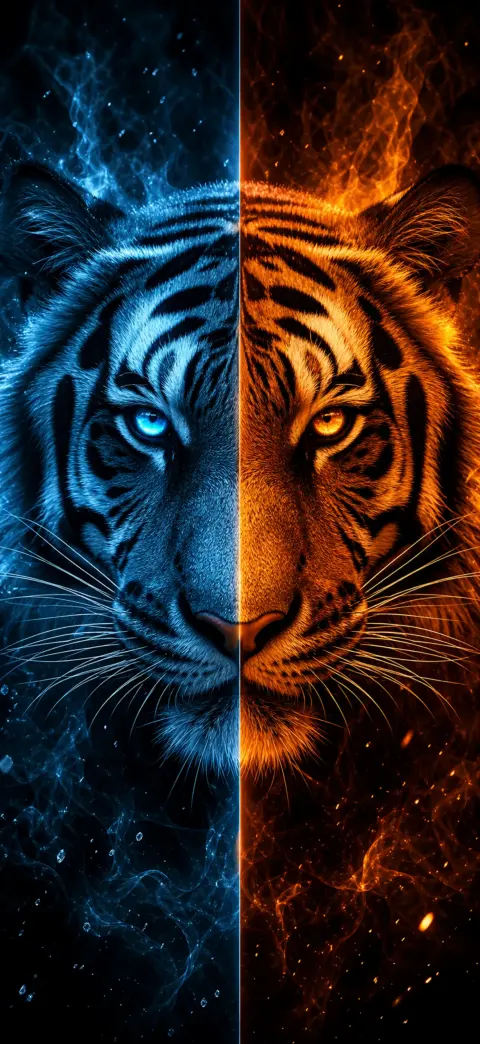


심도 효과는 배경화면의 피사체——얼굴, 동물, 영웅 등——가 잠금 화면 시계 앞으로 떠올라 입체적인 3D 느낌을 주는 iOS 기능입니다. 이미지에 또렷한 전경 피사체가 있고 상단에 여백이 있을 때만 작동합니다.
- 1
Pick a depth-ready wallpaper
Choose an image with one clear subject and open space near the top — like the depth-effect scenes on our iPhone 17 Pro depth pack. Download a free one, or open it in the 2Live app.
- 2
Open Wallpaper settings
On your iPhone, go to Settings → Wallpaper → Add New Wallpaper, then tap Photos and select your depth wallpaper.
- 3
Position the subject behind the clock
Drag and pinch so the main subject sits just below the clock with headroom above. iOS automatically lifts the subject in front of the time for the 3D parallax depth effect.
- 4
Confirm the depth layering
If the clock slides behind the subject, the depth effect is on. If it stays flat, reposition so the subject overlaps the clock area without covering the digits.
- 5
Set it — and add motion
Tap Add, then Set as Wallpaper Pair. For a moving 3D wallpaper, set it as a Live Photo in the 2Live app to get parallax plus motion on press-and-hold.
심도 효과가 작동하지 않는 이유는?
iOS는 피사체가 시계를 너무 많이 가리거나, 사진에 분리할 만한 또렷한 전경이 없으면 심도 효과를 숨깁니다. 피사체가 하나이고 상단 하늘이 깔끔한 배경화면일수록 효과가 가장 안정적으로 나타납니다.
직접 조정할 수도 있습니다: 배경화면을 설정할 때 피사체를 아래쪽으로 끌어 옮겨 화면 상단의 시계 공간을 확보하세요.
심도 효과를 위해 만든 배경화면
2Live의 동물, 영웅, 애니메이션, 차량, 판타지, 영성, 스포츠 컬렉션은 심도 분리를 위해——또렷한 피사체와 넉넉한 상단 여백으로——특별히 구성되어, 따로 손대지 않아도 효과가 자연스럽게 살아납니다.
자주 묻는 질문
심도 효과가 라이브 배경화면에서도 작동하나요?
네——심도 효과에 적합한 배경화면을 Live Photo로 설정하면 입체적인 시계 효과와 길게 누를 때의 움직임을 모두 즐길 수 있습니다.
수천 개의 무료 4K 라이브 배경화면을 받아보세요