iPhone 15 Pro Wallpapers — 4K, 1179 × 2556
Free 4K live wallpapers sized exactly 1179 × 2556 for the iPhone 15 Pro (6.1") — no crop, no watermark. Set a moving lock screen in one tap on iOS 17.
- Wallpaper size
- 1179 × 2556
- Aspect ratio
- ≈19.5:9
- Display
- 6.1"
- Ships with
- iOS 17






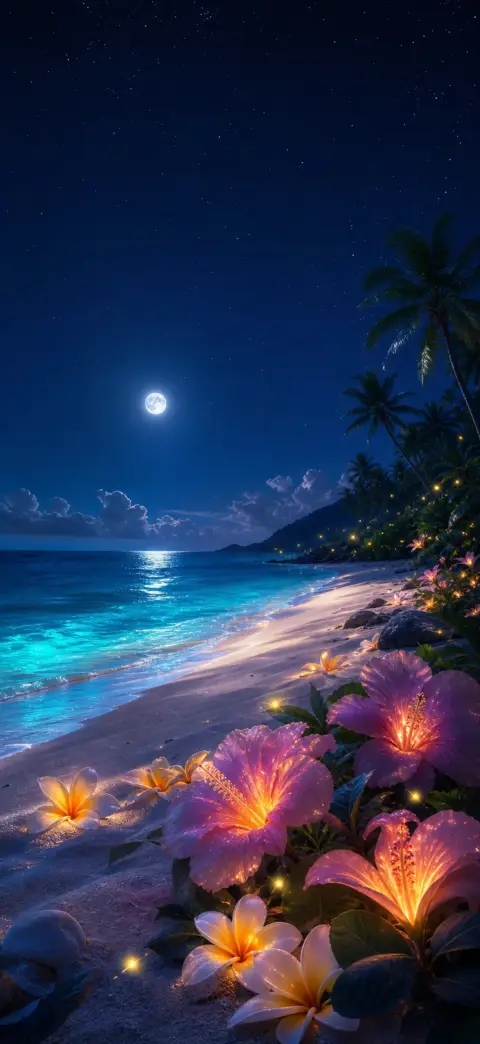
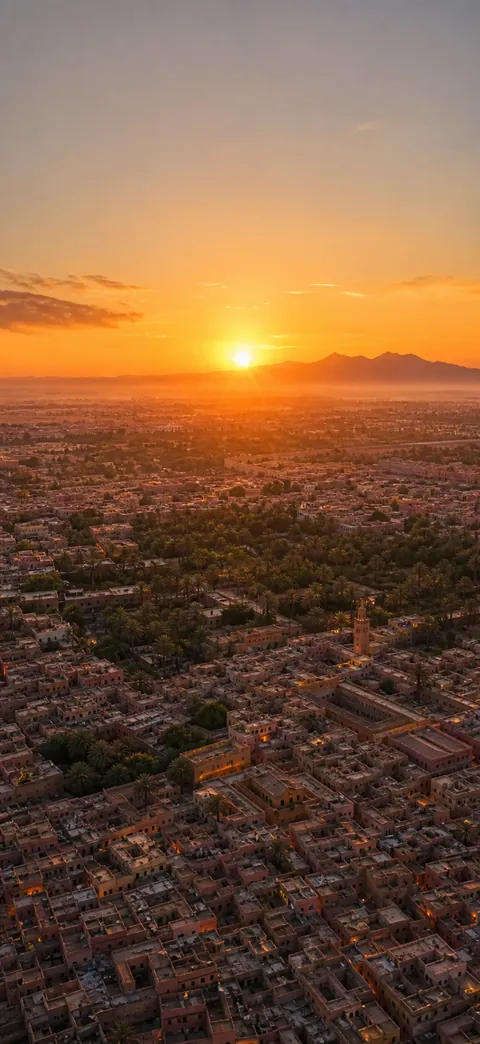
How to set a live wallpaper on the iPhone 15 Pro
- 1
Save the wallpaper to your iPhone 15 Pro
Open it in 2Live and tap Save. The file arrives at the exact size of your screen, so iOS never re-crops it.
- 2
Set it as a Live Photo lock screen
Settings → Wallpaper → Add New Wallpaper → Photos, pick it, then tap the Live Photo icon so it plays on wake. Drag the subject down slightly so the Dynamic Island does not clip it.
iPhone 15 Pro wallpaper FAQ
What wallpaper size does the iPhone 15 Pro use?
1179 × 2556 pixels on a 6.1" display — an aspect ratio of about ≈19.5:9. Anything smaller is upscaled by the OS and looks soft; anything a different shape gets cropped.
Can the iPhone 15 Pro use live wallpapers?
Yes. iOS 17 sets a Live Photo as the lock screen, and it plays whenever the screen wakes. That is what 2Live makes — the wallpaper actually moves, which is the one thing saving a picture from a web page cannot give you.
Do AMOLED wallpapers save battery on the iPhone 15 Pro?
On an OLED panel a true-black pixel is a pixel that is switched off, so a genuinely black wallpaper draws less power — which matters most on a device that keeps the display on. That is why the AMOLED collection leads this page.
Get every wallpaper free in the app
Discover thousands more 4K & live wallpapers — free, no watermark, refreshed weekly, on iPhone and Android.