iPhone 15 Wallpapers — 4K, 1179 × 2556

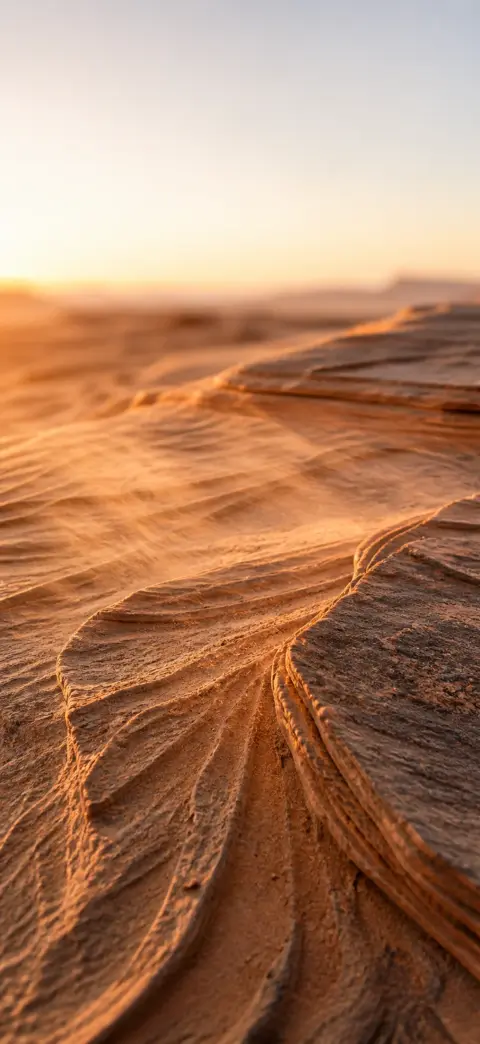
4K and live wallpapers sized 1179 × 2556 for the iPhone 15 (6.1"). Pick one here, then get it in the free 2Live app and set it on your Lock Screen.
- Wallpaper size
- 1179 × 2556
- Aspect ratio
- ≈19.5:9
- Display
- 6.1"
- Ships with
- iOS 17
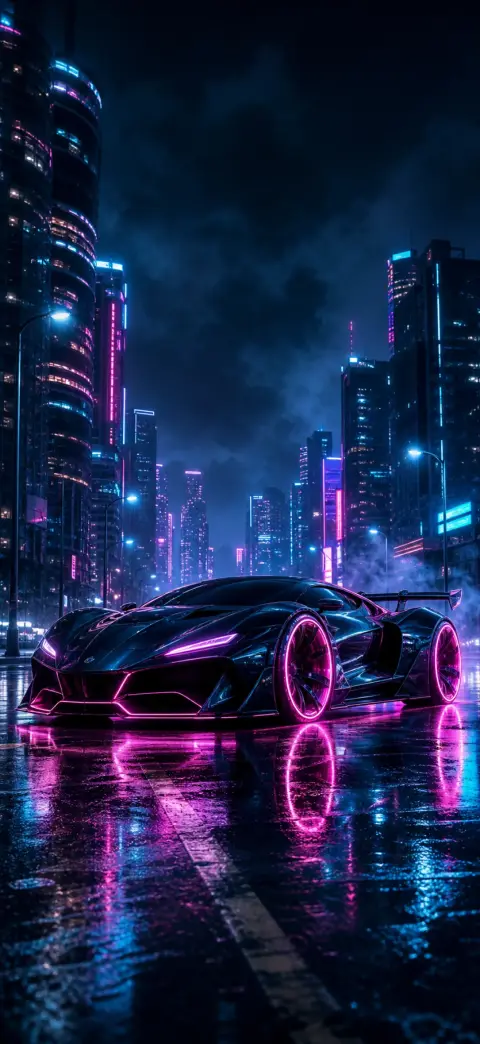
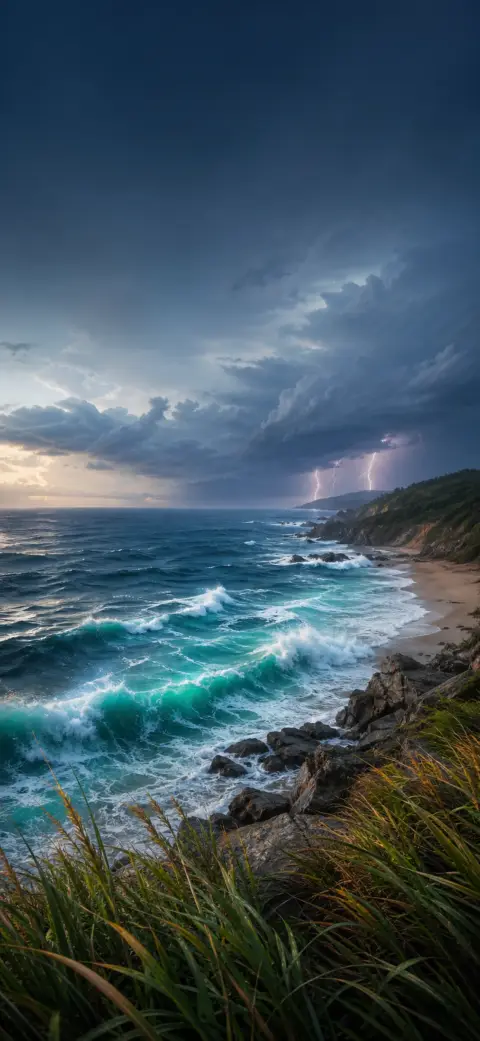




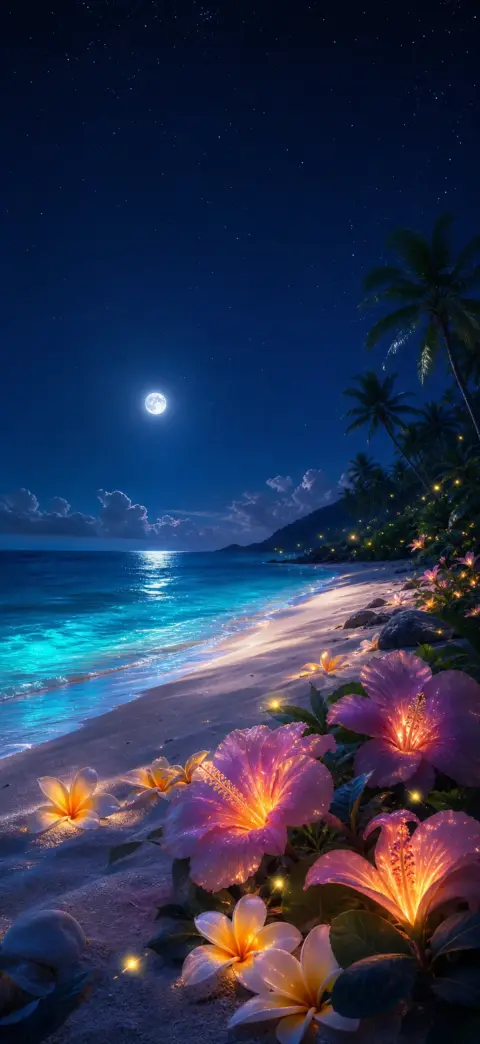
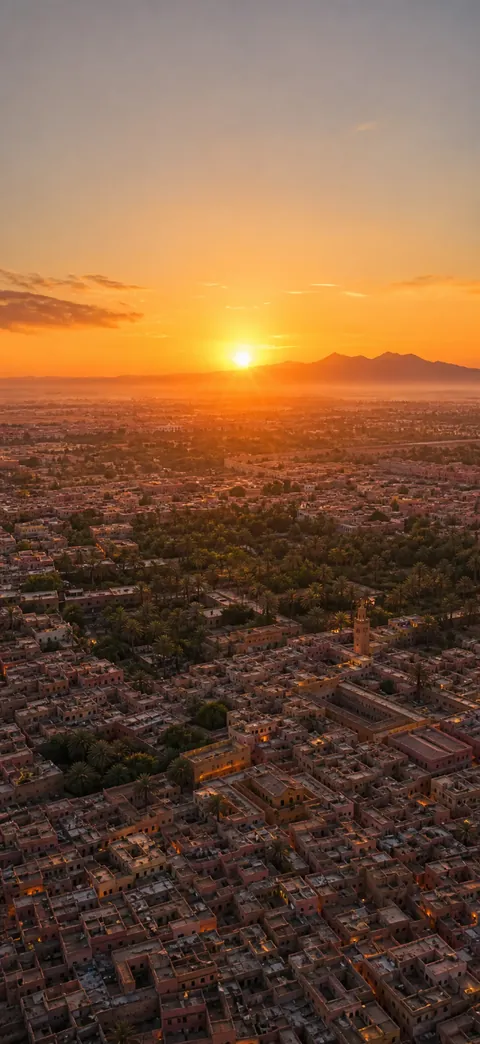

How to set a live wallpaper on the iPhone 15
- 1
Save the wallpaper to your iPhone 15
Open it in 2Live and tap Save. The file arrives at the exact size of your screen, so iOS never re-crops it.
- 2
Set it as a Live Photo lock screen
Settings → Wallpaper → Add New Wallpaper → Photos, pick it, then tap the Live Photo icon so it plays on wake. Drag the subject down slightly so the Dynamic Island does not clip it.
iPhone 15 wallpaper FAQ
What wallpaper size does the iPhone 15 use?
1179 × 2556 pixels on a 6.1" display — an aspect ratio of about ≈19.5:9. Anything smaller is upscaled by the OS and looks soft; anything a different shape gets cropped.
Can the iPhone 15 use live wallpapers?
Yes. iOS 17 sets a Live Photo as the lock screen, and it plays whenever the screen wakes. That is what 2Live makes — the wallpaper actually moves, which is the one thing saving a picture from a web page cannot give you.
Get every wallpaper free in the app
Discover thousands more 4K & live wallpapers — free, no watermark, refreshed weekly, on iPhone and Android.