Tiefeneffekt-Wallpaper auf dem iPhone, erklärt
Aktualisiert 2026-06-19
2Live kostenlos herunterladenTiefeneffekt-Wallpaper auf dem iPhone, erklärt
 Free
FreeTier-Wallpaper
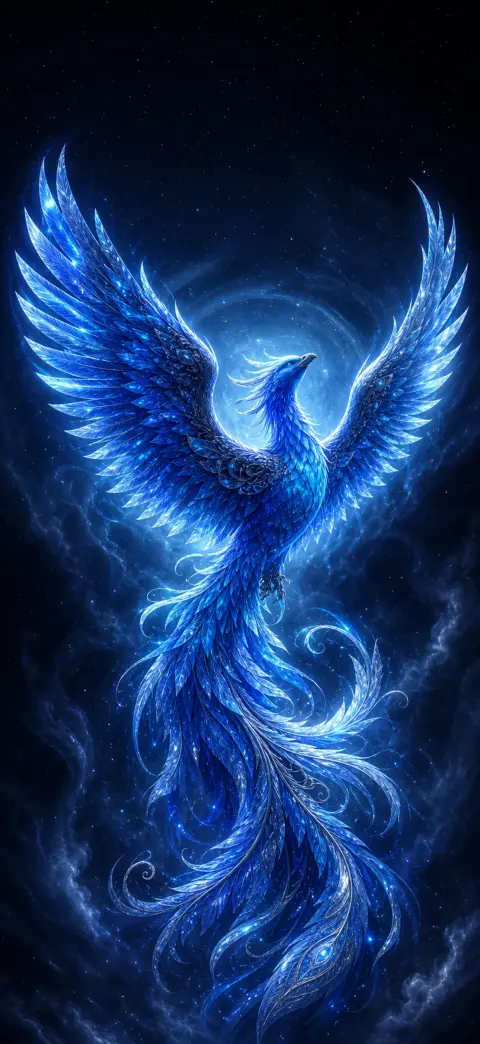 Free
FreeHelden-Wallpaper

Anime-Wallpaper

Spirituelle Wallpaper

Tier-Wallpaper
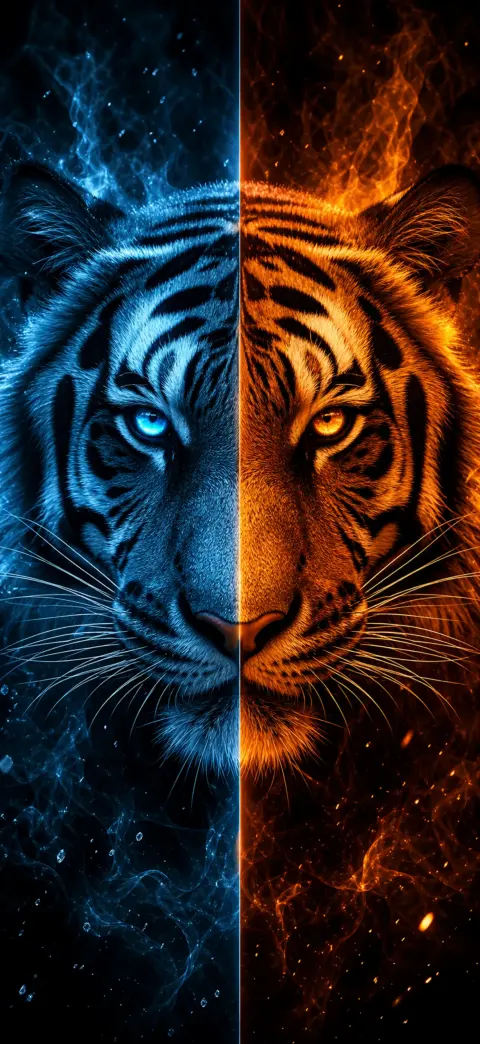
Helden-Wallpaper

Anime-Wallpaper
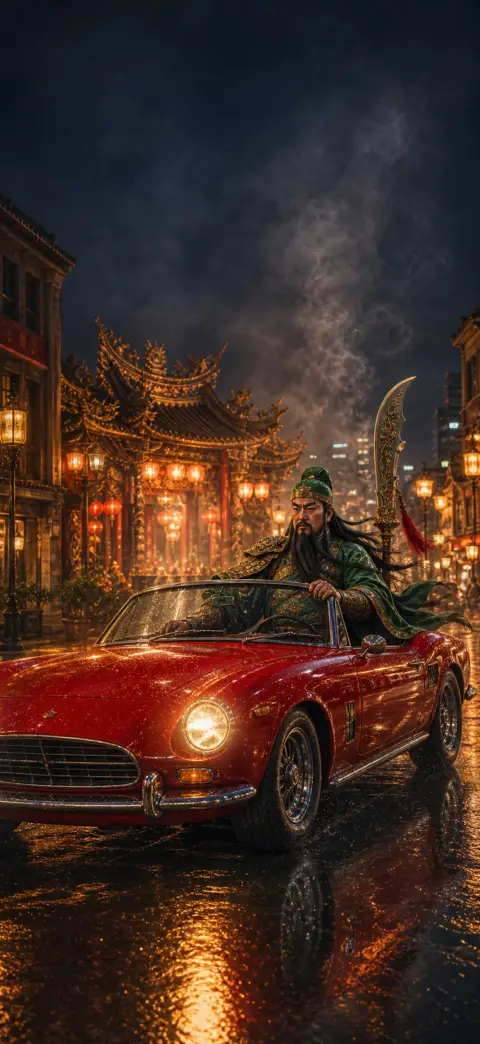
Spirituelle Wallpaper
Der Tiefeneffekt ist der iOS-Trick, bei dem das Motiv deines Wallpapers — ein Gesicht, ein Tier, ein Held — vor die Uhr des Sperrbildschirms tritt und für einen geschichteten, dreidimensionalen Look sorgt. Er funktioniert nur, wenn das Bild ein klares Motiv im Vordergrund und oben freien Raum hat.
- 1
Pick a depth-ready wallpaper
Choose an image with one clear subject and open space near the top — like the depth-effect scenes on our iPhone 17 Pro depth pack. Download a free one, or open it in the 2Live app.
- 2
Open Wallpaper settings
On your iPhone, go to Settings → Wallpaper → Add New Wallpaper, then tap Photos and select your depth wallpaper.
- 3
Position the subject behind the clock
Drag and pinch so the main subject sits just below the clock with headroom above. iOS automatically lifts the subject in front of the time for the 3D parallax depth effect.
- 4
Confirm the depth layering
If the clock slides behind the subject, the depth effect is on. If it stays flat, reposition so the subject overlaps the clock area without covering the digits.
- 5
Set it — and add motion
Tap Add, then Set as Wallpaper Pair. For a moving 3D wallpaper, set it as a Live Photo in the 2Live app to get parallax plus motion on press-and-hold.
Warum funktioniert mein Tiefeneffekt nicht?
iOS blendet den Tiefeneffekt aus, wenn das Motiv die Uhr zu stark verdecken würde oder wenn das Foto keinen klaren Vordergrund zum Freistellen hat. Wallpaper mit einem einzelnen Motiv und einem aufgeräumten Himmel oben lösen ihn am zuverlässigsten aus.
Du kannst auch nachhelfen: Verschiebe das Motiv beim Festlegen des Hintergrundbilds nach unten, damit die Uhr oben am Bildschirm Platz hat.
Wallpaper, die für den Tiefeneffekt gemacht sind
Die Kollektionen von 2Live zu Tieren, Helden, Anime, Fahrzeugen, Fantasy, Spiritualität und Sport sind gezielt auf die Tiefentrennung ausgelegt — ein scharfes Motiv, freier Raum oben — damit der Effekt ohne Herumprobieren sitzt.
Häufig gestellte Fragen
Funktioniert der Tiefeneffekt mit Live-Wallpapern?
Ja — lege ein für den Tiefeneffekt geeignetes Wallpaper als Live Photo fest, und du bekommst beim Drücken und Halten sowohl die geschichtete Uhr als auch die Bewegung.
Hol dir Tausende kostenlose 4K-Live-Wallpaper