كيفية تحويل أي فيديو إلى خلفية Live Photo
آخر تحديث 2026-06-19
حمّل 2Live مجانًاكيفية تحويل أي فيديو إلى خلفية Live Photo



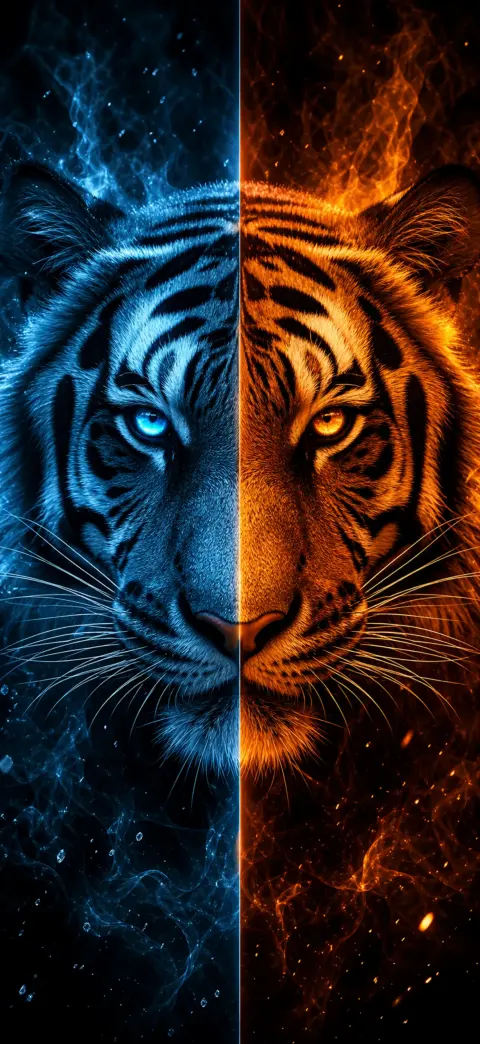


لا يسمح لك نظام iOS بتعيين فيديو عادي كخلفية — يجب أن يكون صورة Live Photo. يحوّل 2Live أي فيديو من مكتبتك إلى خلفية Live Photo، مُحسَّنة لدقة 4K وProMotion، وكل ذلك تتم معالجته بخصوصية على جهازك.
- 1
اختر الفيديو الخاص بك
افتح 2Live واختر «إنشاء»، ثم حدد أي فيديو من مكتبتك — تعمل بضع ثوانٍ من الحركة على أفضل وجه.
- 2
قُص وحسّن
قُص إلى اللحظة التي تريدها ودع الذكاء الاصطناعي على الجهاز يحسّن الحدة والألوان. لا يتم رفع أي شيء — كل ذلك يبقى على جهاز iPhone الخاص بك.
- 3
صدّرها كصورة Live Photo
انقر على «تصدير». يحفظ 2Live صورة Live Photo في تطبيق الصور لديك، مُحسَّنة لشاشة القفل.
- 4
اضبطها كخلفية لك
اذهب إلى الإعدادات ← الخلفية ← إضافة خلفية جديدة ← الصور، واختر صورة Live Photo الجديدة، وتأكد من تشغيل مفتاح Live Photo.
الأسئلة الشائعة
هل يتم رفع الفيديو الخاص بي إلى أي مكان؟
لا. يعالج 2Live كل شيء على الجهاز، لذا لا تغادر مقاطع الفيديو الخاصة بك جهاز iPhone أبدًا.
ما أفضل مدة للفيديو لخلفية حية؟
تبدو ثانيتان إلى خمس ثوانٍ من الحركة السلسة على أفضل وجه، لأن شاشة القفل تُشغّل حلقة قصيرة عند الضغط مع الاستمرار.
احصل على آلاف الخلفيات الحية المجانية بدقة 4K