iPhone 景深效果壁纸完整解析
更新于 2026-06-19
免费下载 2LiveiPhone 景深效果壁纸完整解析





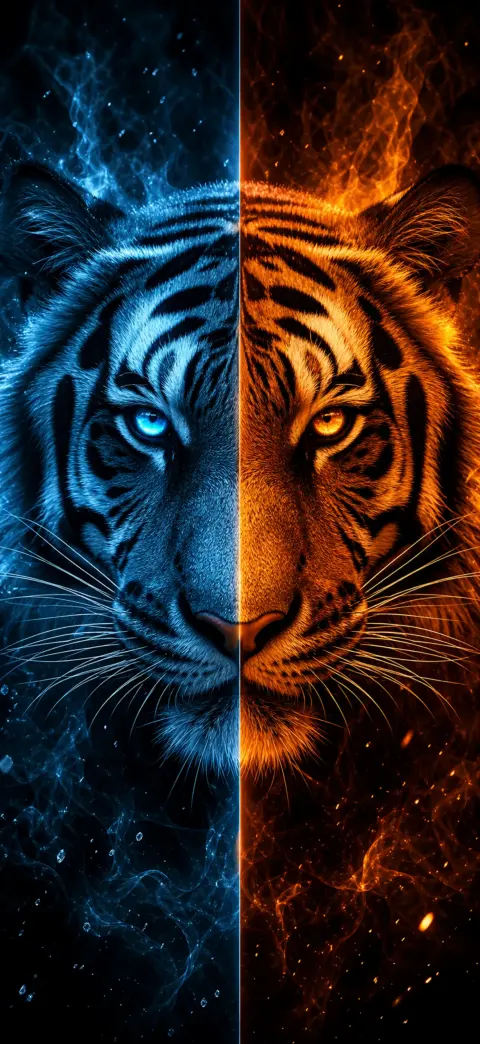


景深效果是 iOS 的一个特效:壁纸的主体——人脸、动物、角色——会浮在锁屏时钟的前方,营造立体层次感。只有当画面有清楚的前景主体、且上方留有空间时才会生效。
- 1
Pick a depth-ready wallpaper
Choose an image with one clear subject and open space near the top — like the depth-effect scenes on our iPhone 17 Pro depth pack. Download a free one, or open it in the 2Live app.
- 2
Open Wallpaper settings
On your iPhone, go to Settings → Wallpaper → Add New Wallpaper, then tap Photos and select your depth wallpaper.
- 3
Position the subject behind the clock
Drag and pinch so the main subject sits just below the clock with headroom above. iOS automatically lifts the subject in front of the time for the 3D parallax depth effect.
- 4
Confirm the depth layering
If the clock slides behind the subject, the depth effect is on. If it stays flat, reposition so the subject overlaps the clock area without covering the digits.
- 5
Set it — and add motion
Tap Add, then Set as Wallpaper Pair. For a moving 3D wallpaper, set it as a Live Photo in the 2Live app to get parallax plus motion on press-and-hold.
为什么我的景深效果没有作用?
如果主体会遮住太多时钟,或照片没有清楚的前景可以分离,iOS 就会隐藏景深效果。单一主体、上方天空干净的壁纸最容易触发。
你也可以微调:设置壁纸时,把主体往下拖一点,让时钟在画面上方有空间。
专为景深效果打造的壁纸
2Live 的动物、英雄、动漫、载具、奇幻、灵性与运动分类都是特别为景深分离而构图的——清晰的主体、上方留白——让效果不必调整就能呈现。
常见问题
景深效果可以和动态壁纸一起用吗?
可以——把支持景深的壁纸设成实况照片,长按时就能同时拥有层次时钟与动态效果。
获取数千款免费 4K 实况壁纸