iPhoneの深度エフェクト壁紙を解説
更新日 2026-06-19
2Liveを無料でダウンロードiPhoneの深度エフェクト壁紙を解説





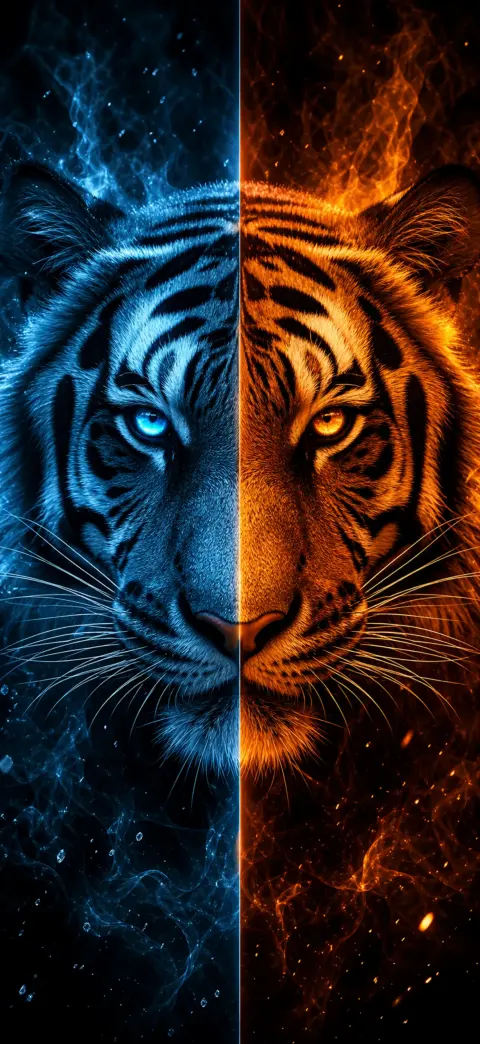


深度エフェクトは、壁紙の被写体——顔・動物・キャラクター——がロック画面の時計の前に浮かび上がり、立体的に見えるiOSの効果です。前景の被写体がはっきりしていて、上部に余白がある画像でのみ機能します。
- 1
Pick a depth-ready wallpaper
Choose an image with one clear subject and open space near the top — like the depth-effect scenes on our iPhone 17 Pro depth pack. Download a free one, or open it in the 2Live app.
- 2
Open Wallpaper settings
On your iPhone, go to Settings → Wallpaper → Add New Wallpaper, then tap Photos and select your depth wallpaper.
- 3
Position the subject behind the clock
Drag and pinch so the main subject sits just below the clock with headroom above. iOS automatically lifts the subject in front of the time for the 3D parallax depth effect.
- 4
Confirm the depth layering
If the clock slides behind the subject, the depth effect is on. If it stays flat, reposition so the subject overlaps the clock area without covering the digits.
- 5
Set it — and add motion
Tap Add, then Set as Wallpaper Pair. For a moving 3D wallpaper, set it as a Live Photo in the 2Live app to get parallax plus motion on press-and-hold.
深度エフェクトが効かないのはなぜ?
被写体が時計を覆いすぎる場合や、前景を分離できる明確な被写体がない場合、iOSは深度エフェクトを表示しません。被写体が1つで、上部の空がすっきりした壁紙が最も確実に効果を発揮します。
設定時に被写体を下げて、画面上部に時計のスペースを作ると調整できます。
深度エフェクト向けに作られた壁紙
2Liveの動物・ヒーロー・アニメ・乗り物・ファンタジー・スピリチュアル・スポーツの各コレクションは、深度分離(くっきりした被写体と上部の余白)を意識して構成されているため、調整なしで効果が決まります。
よくある質問
深度エフェクトはライブ壁紙でも使えますか?
はい——深度対応の壁紙をLive Photoに設定すれば、長押しで立体的な時計と動きの両方が得られます。
何千もの無料4Kライブ壁紙を手に入れよう