Wallpapers Cut for the iOS 27 Compact Clock
iOS 27 shrinks the clock to one line in the top corner, so your wallpaper runs from 15% to 80% of the screen instead of 32%. These are the tall subjects that finally fit — picked from the 2Live catalog. Free 4K downloads below.


Free downloads below · live 4K versions in the app
11 wallpapers · 5 free to download · the rest unlock in the app

Floating Island Waterfall
33.4k
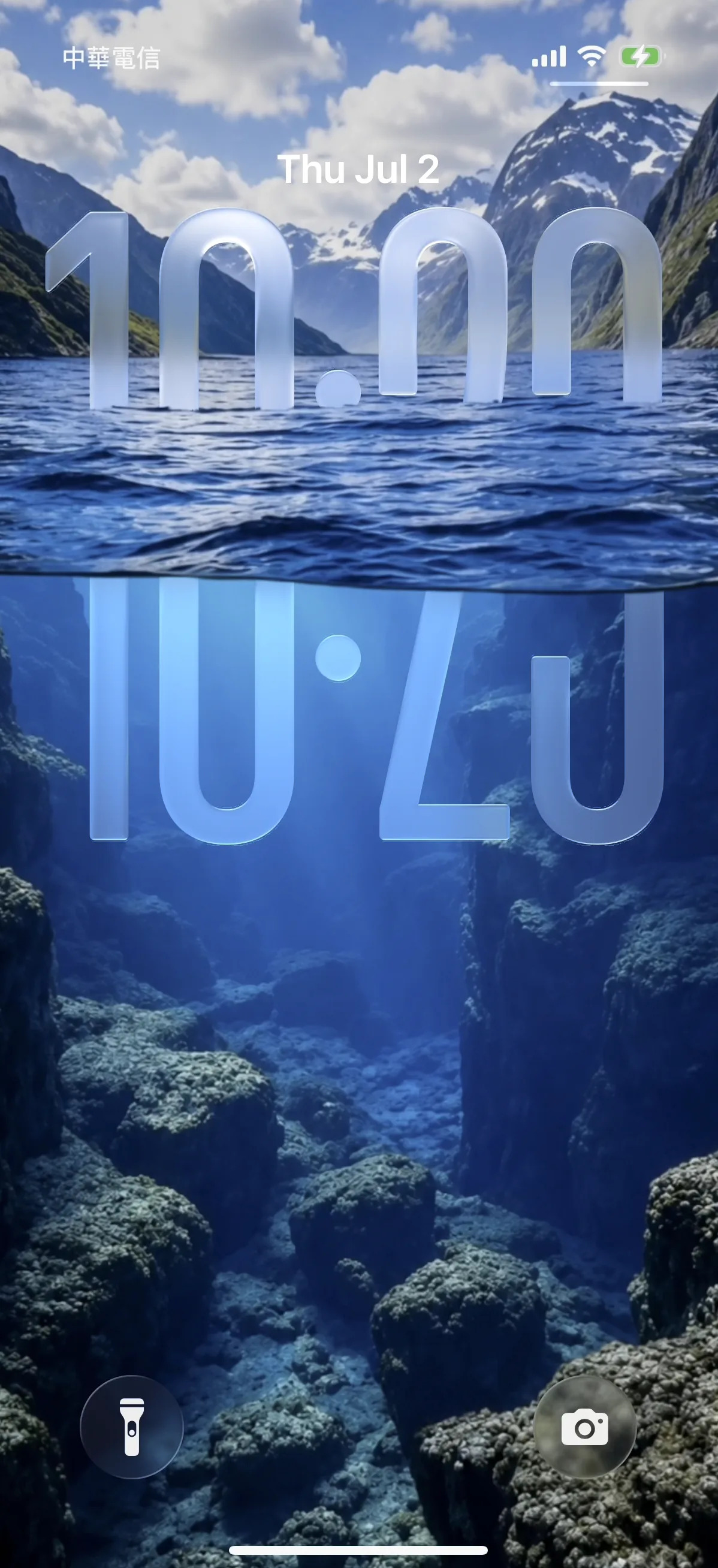
Underwater Fjord
31.5k

Sakura Bridge Mist
41.2k

Meteor Lake
38.8k
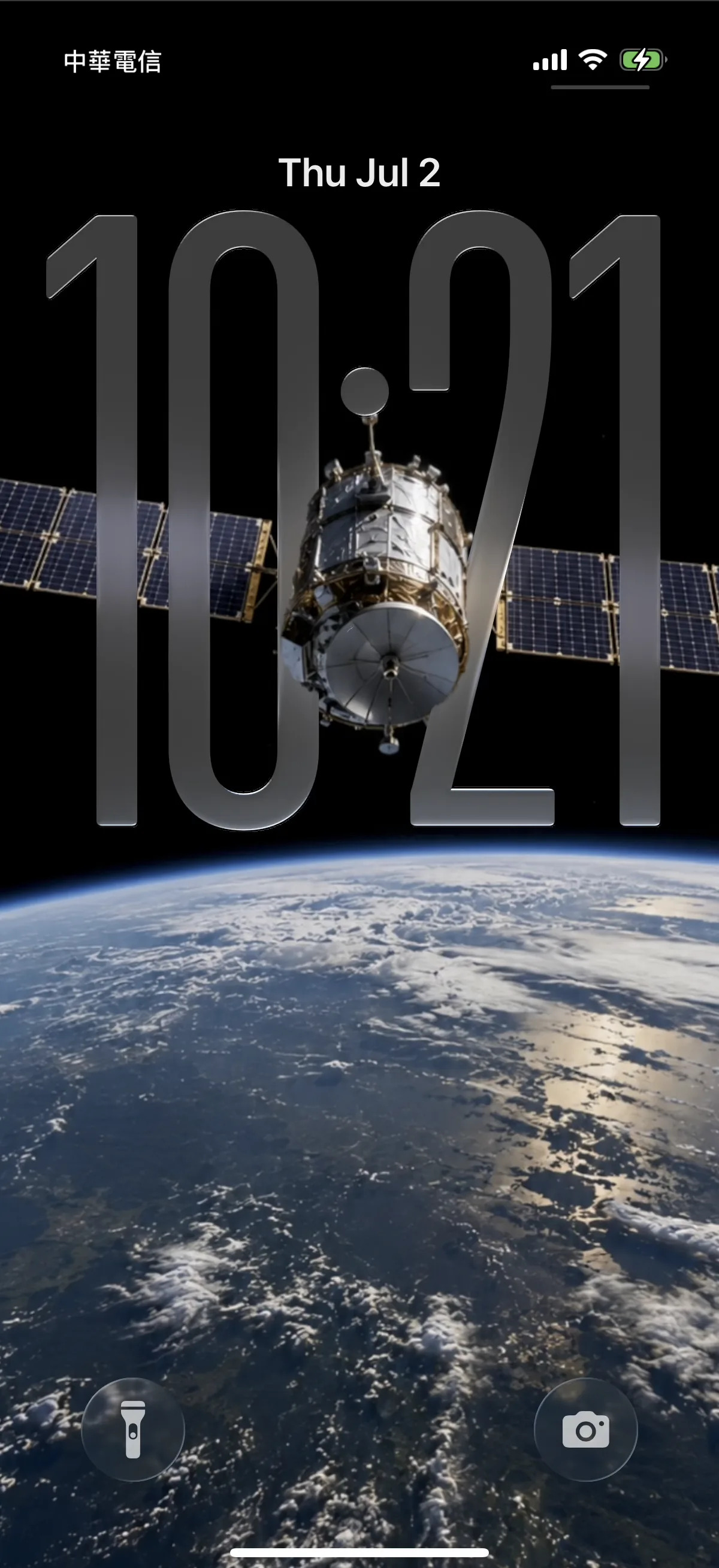
Satellite Over Earth
44.1k



How to make the 3D parallax depth effect on iPhone
- 1
Open the lock screen editor
Press and hold your lock screen and tap Customize → Lock Screen. You can also go to Settings → Wallpaper and tap Customize under the lock-screen preview.
- 2
Tap the clock
Select the time itself to open the clock options. On iOS 27 there is a layout control alongside the familiar font, weight and colour pickers.
- 3
Choose the compact layout
Pick compact. The time moves up beside the date as a single line and the rest of the screen becomes your wallpaper. One thing to know: the Liquid Glass opacity slider is not offered in compact mode — font, weight and colour still are.
- 4
Reposition your wallpaper upward
Because the clock no longer occupies the upper third, drag the image up. Anything you previously cropped away to protect the digits can come back into frame — the top of a lighthouse, a full head, the crown of a tree.
- 5
Keep the big clock where it suits the shot
Wallpapers built around the old composition — a subject sitting low with deliberate empty space above — still read better under the large clock. Use compact where the subject needs the height, and leave the rest alone.
Get the 3D parallax depth effect
Watch your wallpaper lift into layers that shift as you tilt — the iOS depth effect where your subject floats in front of the lock-screen clock.
- 1Pick a depth-ready wallpaper — one clear subject, open space up top
- 2Set it on your Lock Screen and frame the subject behind the clock
- 3Tilt your phone — watch the foreground move in 3D
Get every wallpaper free in the app