Depth effect wallpapers on iPhone, explained
Updated 2026-06-19
Download 2Live freeDepth effect wallpapers on iPhone, explained
 Free
FreeAnimal Wallpapers
 Free
FreeHero Wallpapers

Anime Wallpapers

Spiritual Wallpapers

Animal Wallpapers
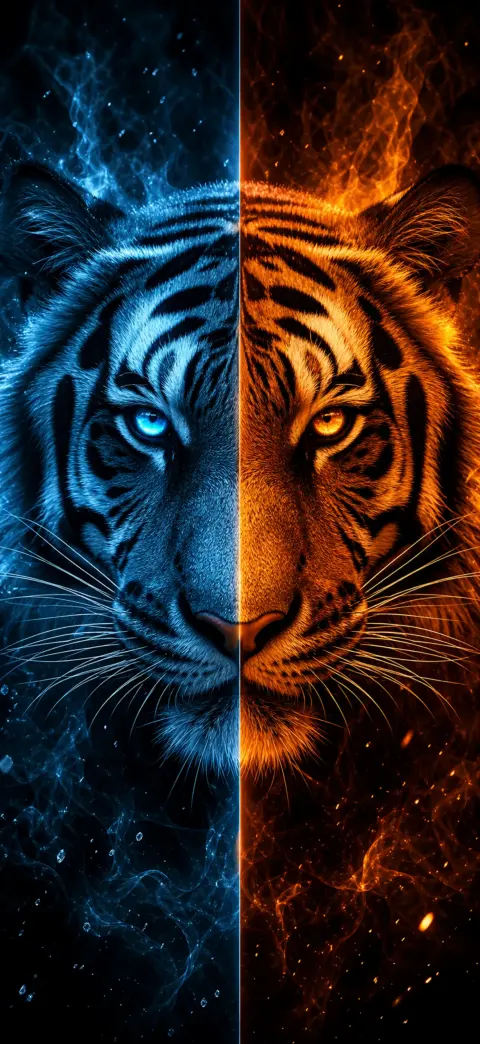
Hero Wallpapers

Anime Wallpapers

Spiritual Wallpapers
The depth effect is the iOS trick where the subject of your wallpaper — a face, an animal, a hero — lifts in front of the lock-screen clock for a layered, 3D look. It only works when the image has a clear foreground subject and open space near the top.
- 1
Pick a depth-ready wallpaper
Choose an image with one clear subject and open space near the top — like the depth-effect scenes on our iPhone 17 Pro depth pack. Download a free one, or open it in the 2Live app.
- 2
Open Wallpaper settings
On your iPhone, go to Settings → Wallpaper → Add New Wallpaper, then tap Photos and select your depth wallpaper.
- 3
Position the subject behind the clock
Drag and pinch so the main subject sits just below the clock with headroom above. iOS automatically lifts the subject in front of the time for the 3D parallax depth effect.
- 4
Confirm the depth layering
If the clock slides behind the subject, the depth effect is on. If it stays flat, reposition so the subject overlaps the clock area without covering the digits.
- 5
Set it — and add motion
Tap Add, then Set as Wallpaper Pair. For a moving 3D wallpaper, set it as a Live Photo in the 2Live app to get parallax plus motion on press-and-hold.
Why isn't my depth effect working?
iOS hides the depth effect if the subject would cover too much of the clock, or if the photo has no clear foreground to separate. Wallpapers with a single subject and uncluttered sky up top trigger it most reliably.
You can also nudge it: when setting the wallpaper, drag to reposition the subject lower so the clock has room at the top of the screen.
Wallpapers built for the depth effect
2Live's animals, heroes, anime, vehicles, fantasy, spiritual and sports collections are composed specifically for depth separation — a crisp subject, open headroom — so the effect lands without fiddling.
Frequently asked questions
Does the depth effect work with live wallpapers?
Yes — set a depth-ready wallpaper as a Live Photo and you get both the layered clock and motion on press-and-hold.
Get thousands of free 4K live wallpapers