iPhone 18 Wallpapers — 4K
Apple did not announce a non-Pro iPhone 18. The September 2026 line-up was the iPhone 18 Pro (6.3", 1206×2622), the 18 Pro Max (6.9", 1320×2868) and the foldable iPhone Duo — here is what each one takes, and 1,200+ free 4K live wallpapers that fit them.
- Wallpaper size
- Confirmed on announcement
- Aspect ratio
- —
- Display
- —
- Ships with
- iOS 27
There is no non-Pro iPhone 18. Apple's September 2026 line-up was the 18 Pro, the 18 Pro Max and the foldable iPhone Duo. If you are shopping for "iPhone 18", the 18 Pro is the 6.3" model at 1206×2622.
Until Apple posts the specification, the closest guide is the current generation: the iPhone 17 at 1206 × 2622. Every wallpaper below is rendered at 4K and re-exported the day the real numbers land.


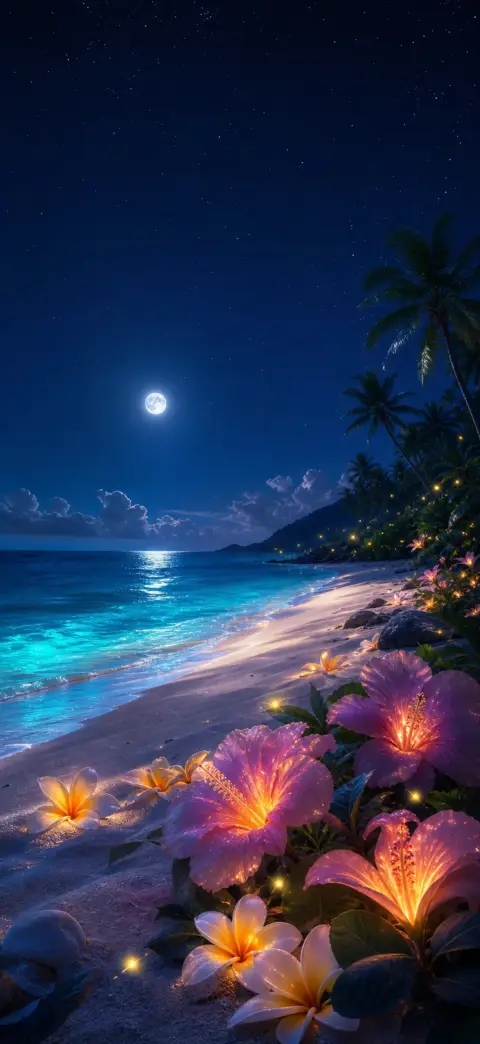
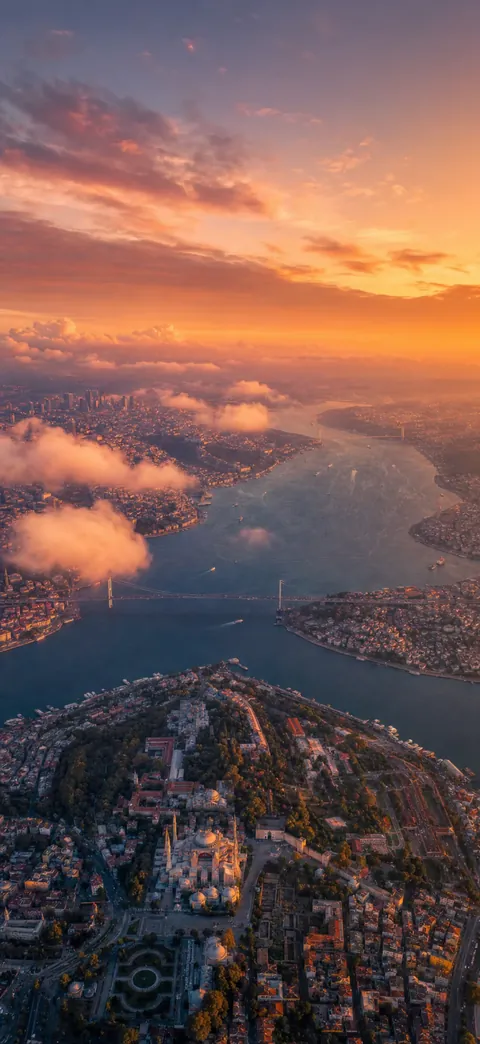

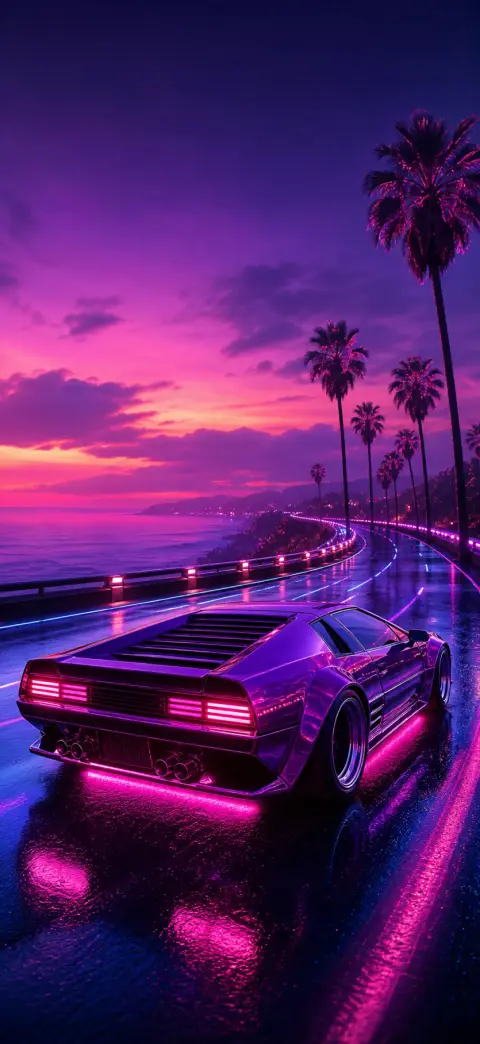




How to set a live wallpaper on the iPhone 18
- 1
Save the wallpaper to your iPhone 18
Open it in 2Live and tap Save. The file arrives at the exact size of your screen, so iOS never re-crops it.
- 2
Set it as a Live Photo lock screen
Settings → Wallpaper → Add New Wallpaper → Photos, pick it, then tap the Live Photo icon so it plays on wake. Drag the subject down slightly so the Dynamic Island does not clip it.
iPhone 18 wallpaper FAQ
What wallpaper size does the iPhone 18 use?
There isn't one yet — Apple announced no non-Pro iPhone 18 on 9 September 2026. If you meant the model most people call "the iPhone 18", that is the iPhone 18 Pro: 1206×2622 on a 6.3" display. The 18 Pro Max is 1320×2868, and the foldable iPhone Duo is 1878×2670 inside with a 1398×2034 cover screen.
Can the iPhone 18 use live wallpapers?
Yes. iOS 27 sets a Live Photo as the lock screen, and it plays whenever the screen wakes. That is what 2Live makes — the wallpaper actually moves, which is the one thing saving a picture from a web page cannot give you.
Get every wallpaper free in the app
Discover thousands more 4K & live wallpapers — free, no watermark, refreshed weekly, on iPhone and Android.