iPhone 16e Wallpapers — 4K, 1170 × 2532
Free 4K live wallpapers sized exactly 1170 × 2532 for the iPhone 16e (6.1") — no crop, no watermark. Set a moving lock screen in one tap on iOS 18.
- Wallpaper size
- 1170 × 2532
- Aspect ratio
- ≈19.5:9
- Display
- 6.1"
- Ships with
- iOS 18
Notch, not a Dynamic Island — the cut-out is wider, so leave more headroom above the subject.
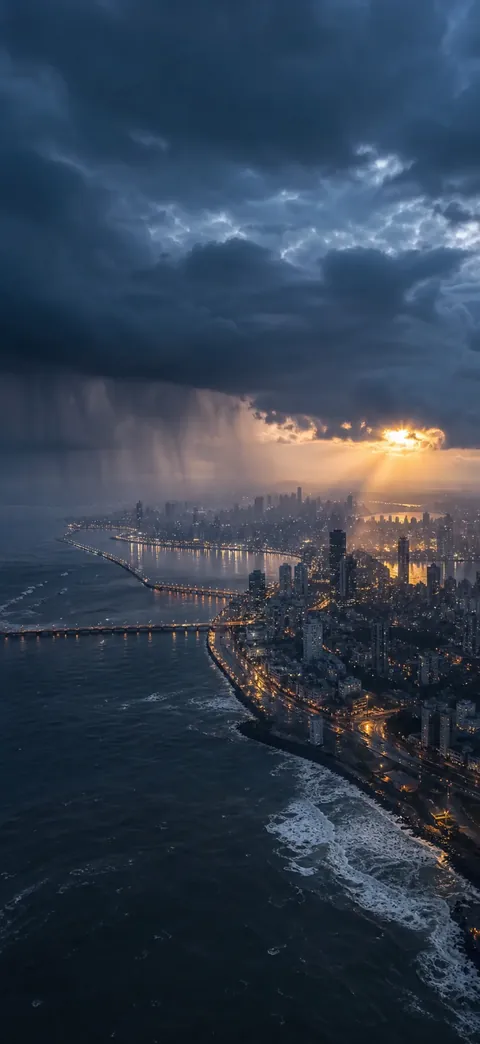
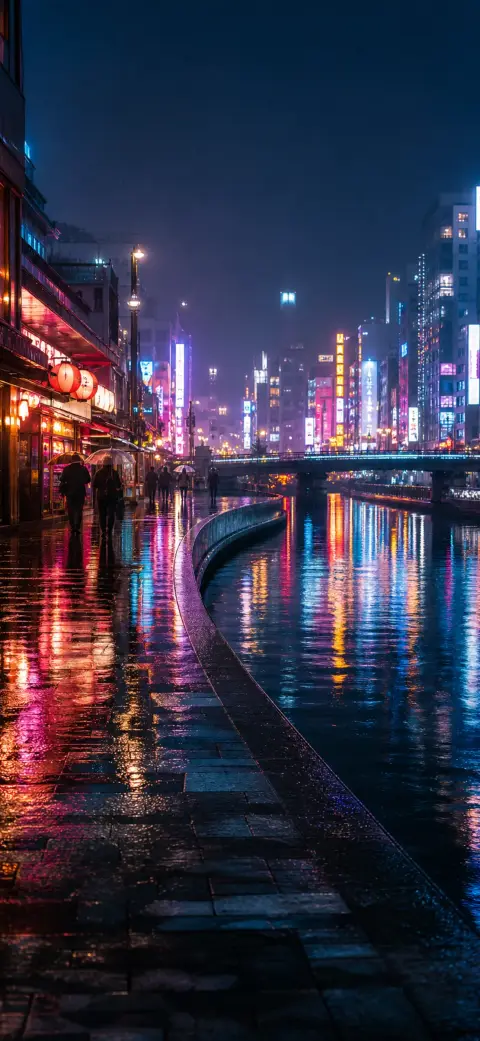
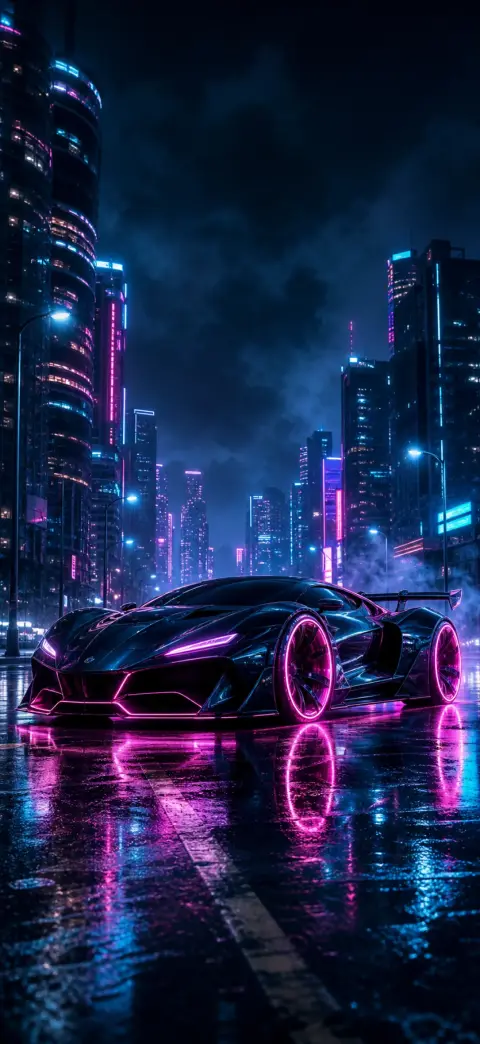
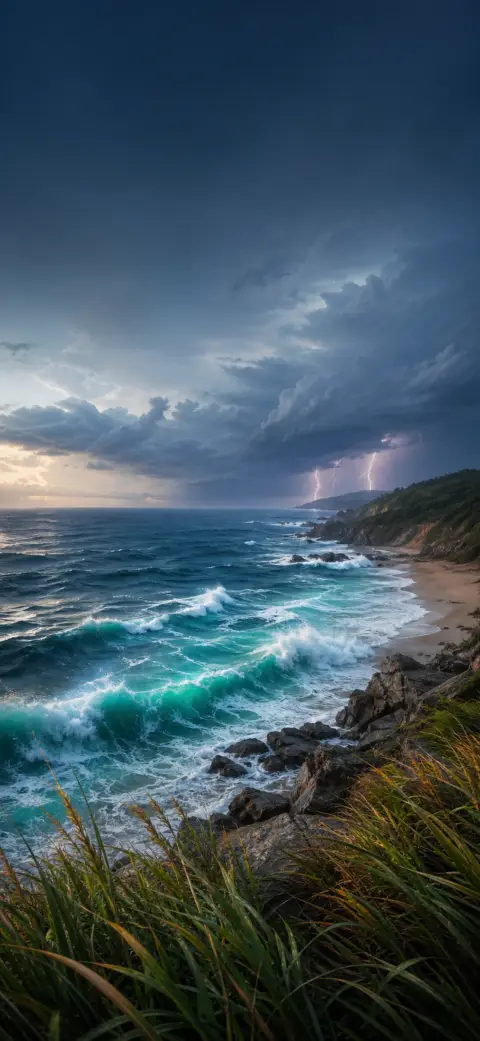




How to set a live wallpaper on the iPhone 16e
- 1
Save the wallpaper to your iPhone 16e
Open it in 2Live and tap Save. The file arrives at the exact size of your screen, so iOS never re-crops it.
- 2
Set it as a Live Photo lock screen
Settings → Wallpaper → Add New Wallpaper → Photos, pick it, then tap the Live Photo icon so it plays on wake.
iPhone 16e wallpaper FAQ
What wallpaper size does the iPhone 16e use?
1170 × 2532 pixels on a 6.1" display — an aspect ratio of about ≈19.5:9. Anything smaller is upscaled by the OS and looks soft; anything a different shape gets cropped.
Can the iPhone 16e use live wallpapers?
Yes. iOS 18 sets a Live Photo as the lock screen, and it plays whenever the screen wakes. That is what 2Live makes — the wallpaper actually moves, which is the one thing saving a picture from a web page cannot give you.
Get every wallpaper free in the app
Discover thousands more 4K & live wallpapers — free, no watermark, refreshed weekly, on iPhone and Android.