iOS 26 Depth-Effect Wallpapers
A demo set built for the iOS 26 depth effect — a bold subject that lifts in front of your lock-screen clock. Free 4K downloads below; get the animated live versions and thousands more in the 2Live app.


Free downloads below · live 4K versions in the app
14 wallpapers · 6 free to download · the rest unlock in the app
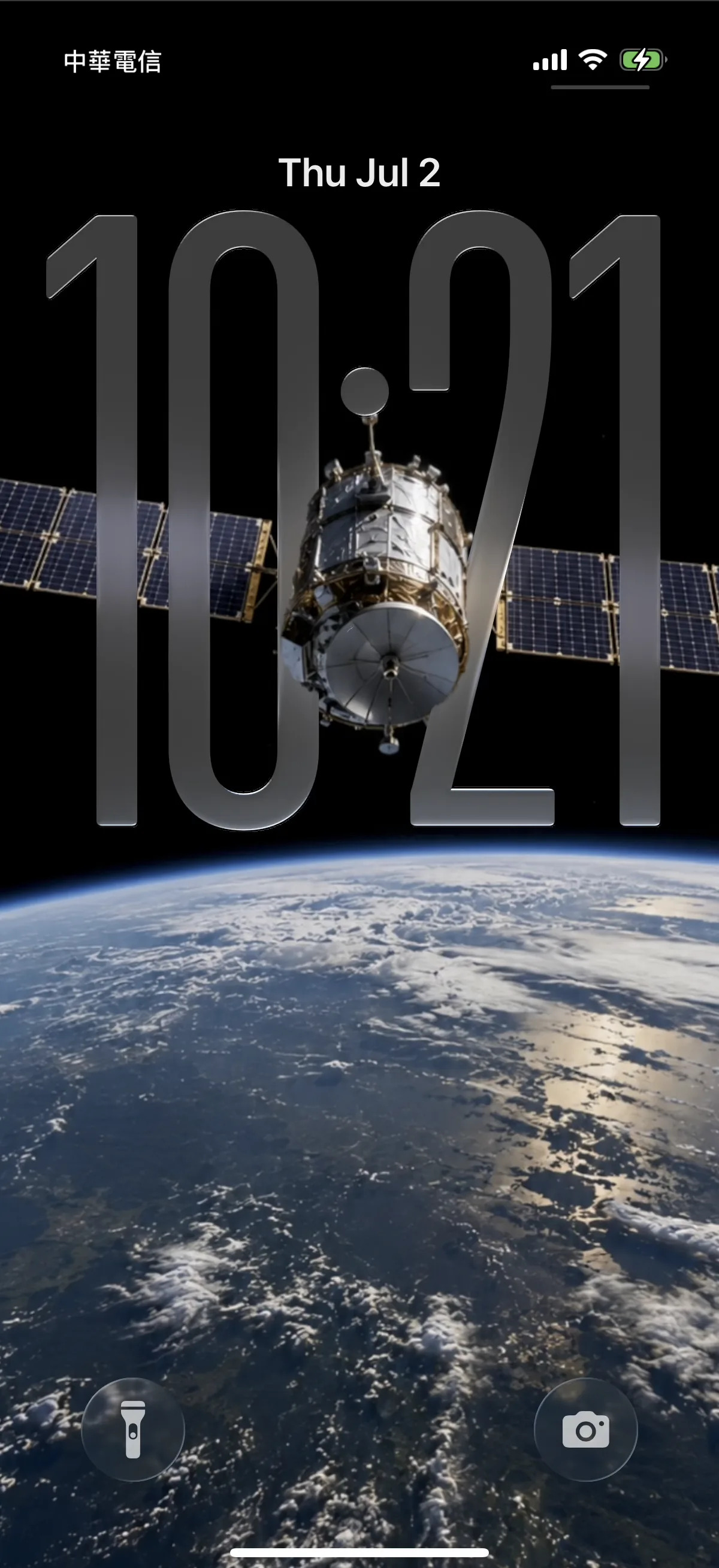
Satellite Over Earth
44.1k
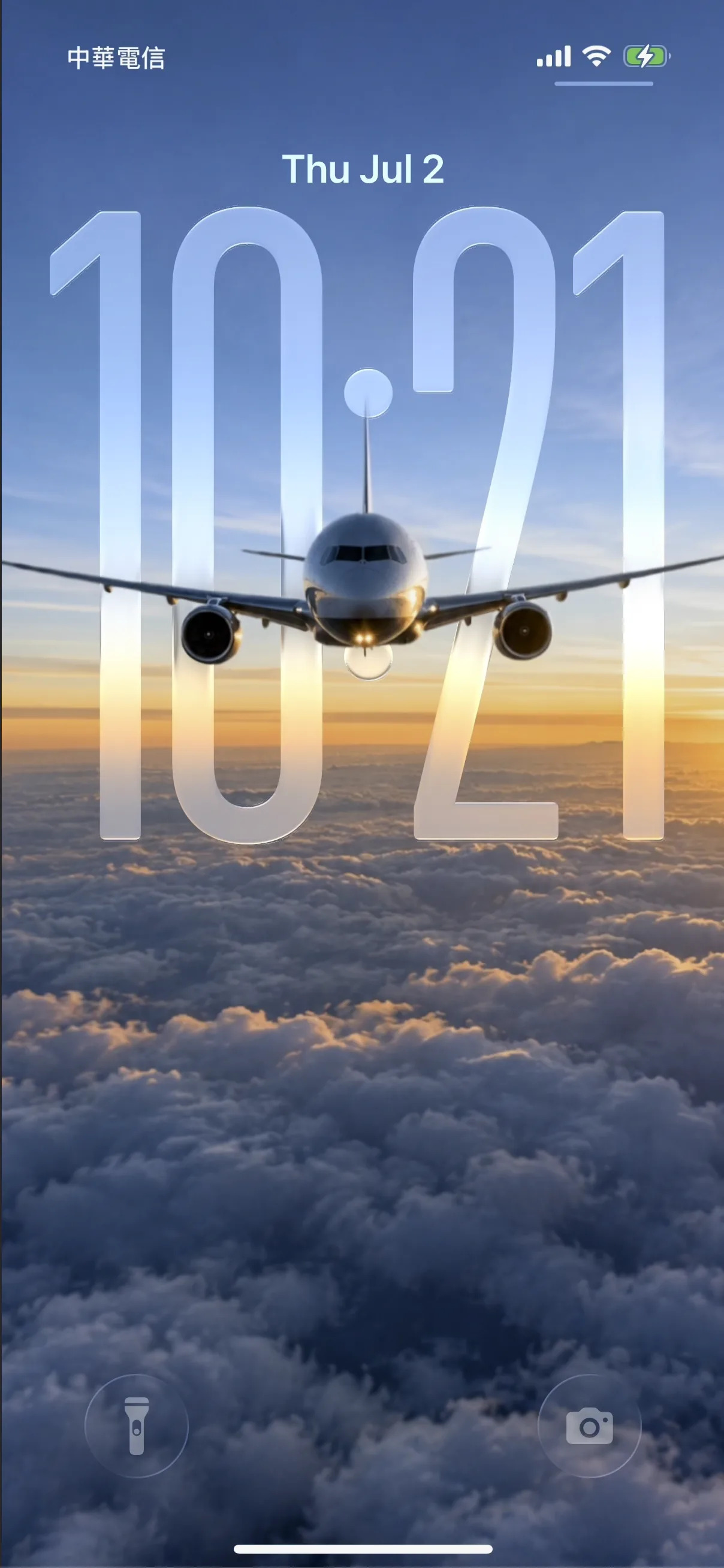
Sunset Airplane
39.8k
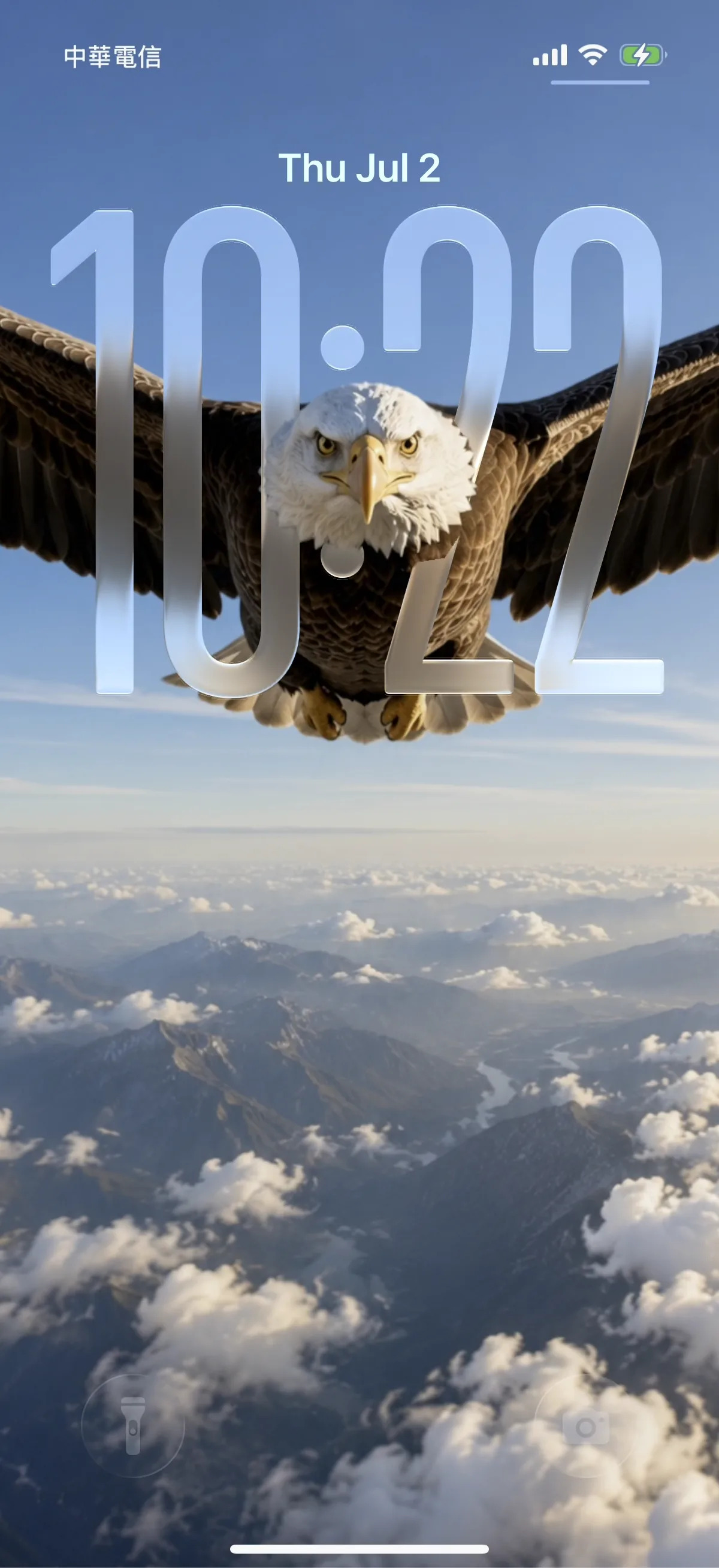
Bald Eagle
36.2k
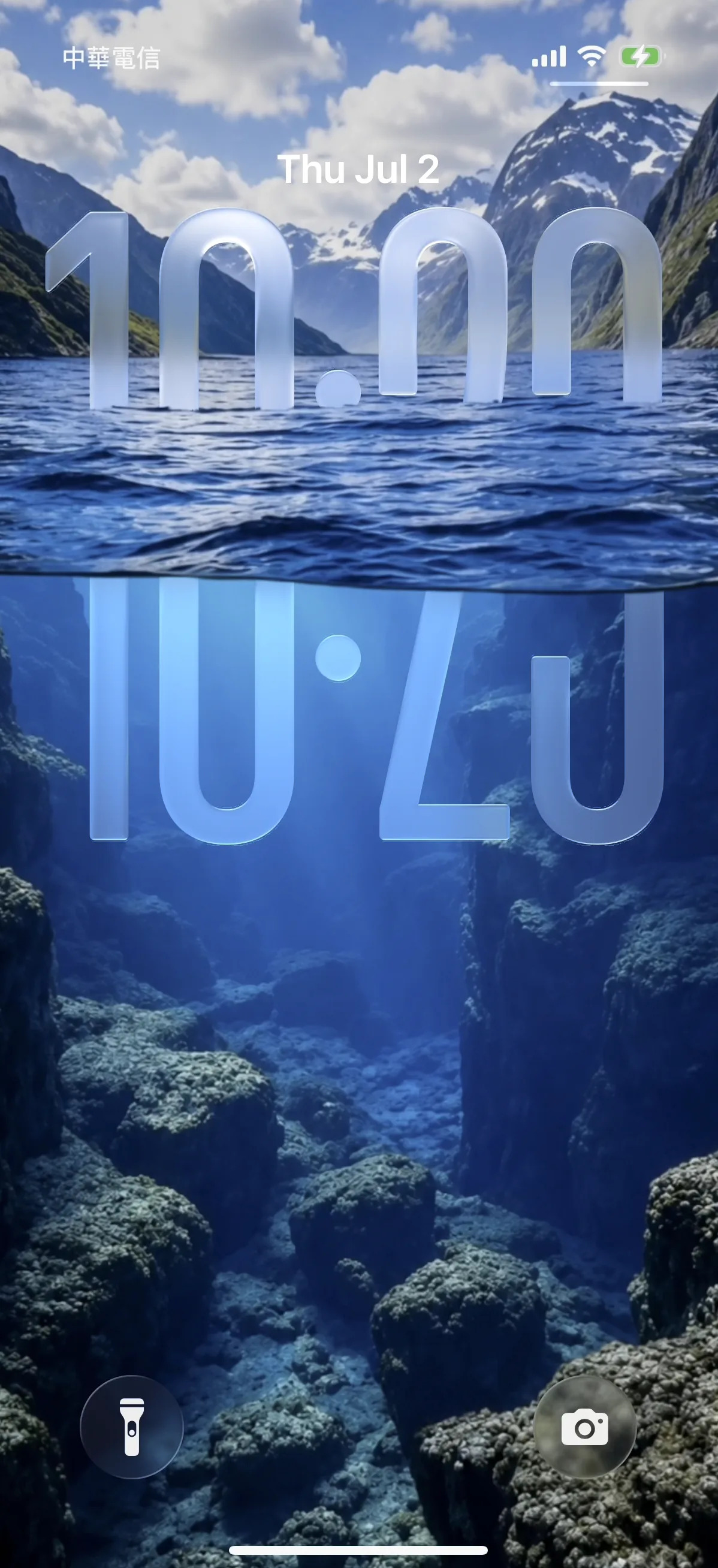
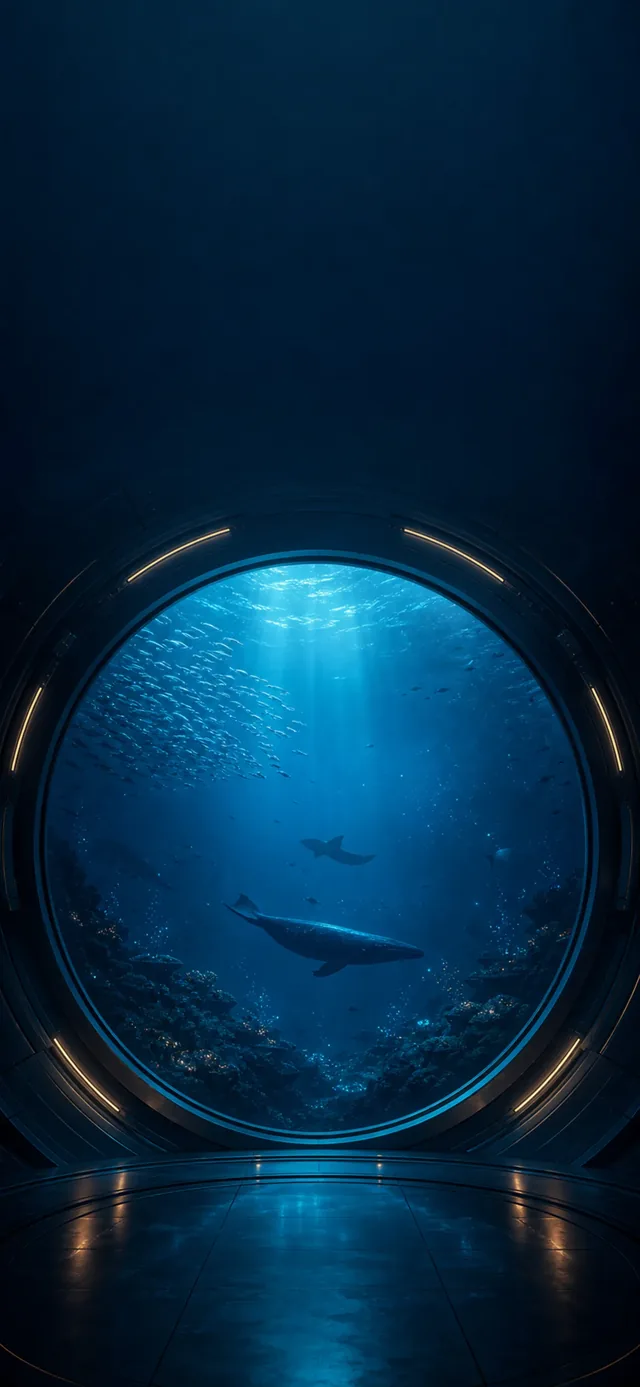
Underwater Fjord
31.5k
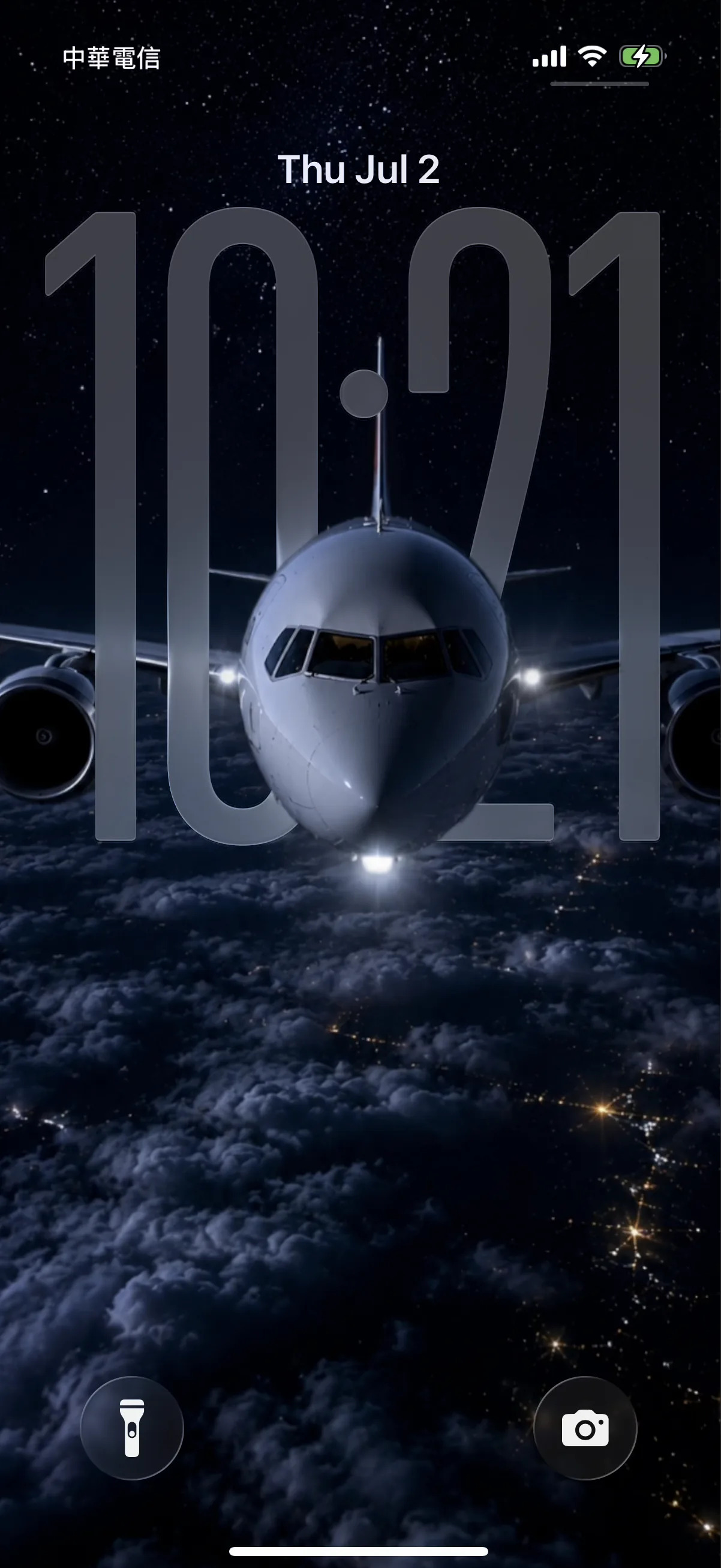
Night Flight
28.6k
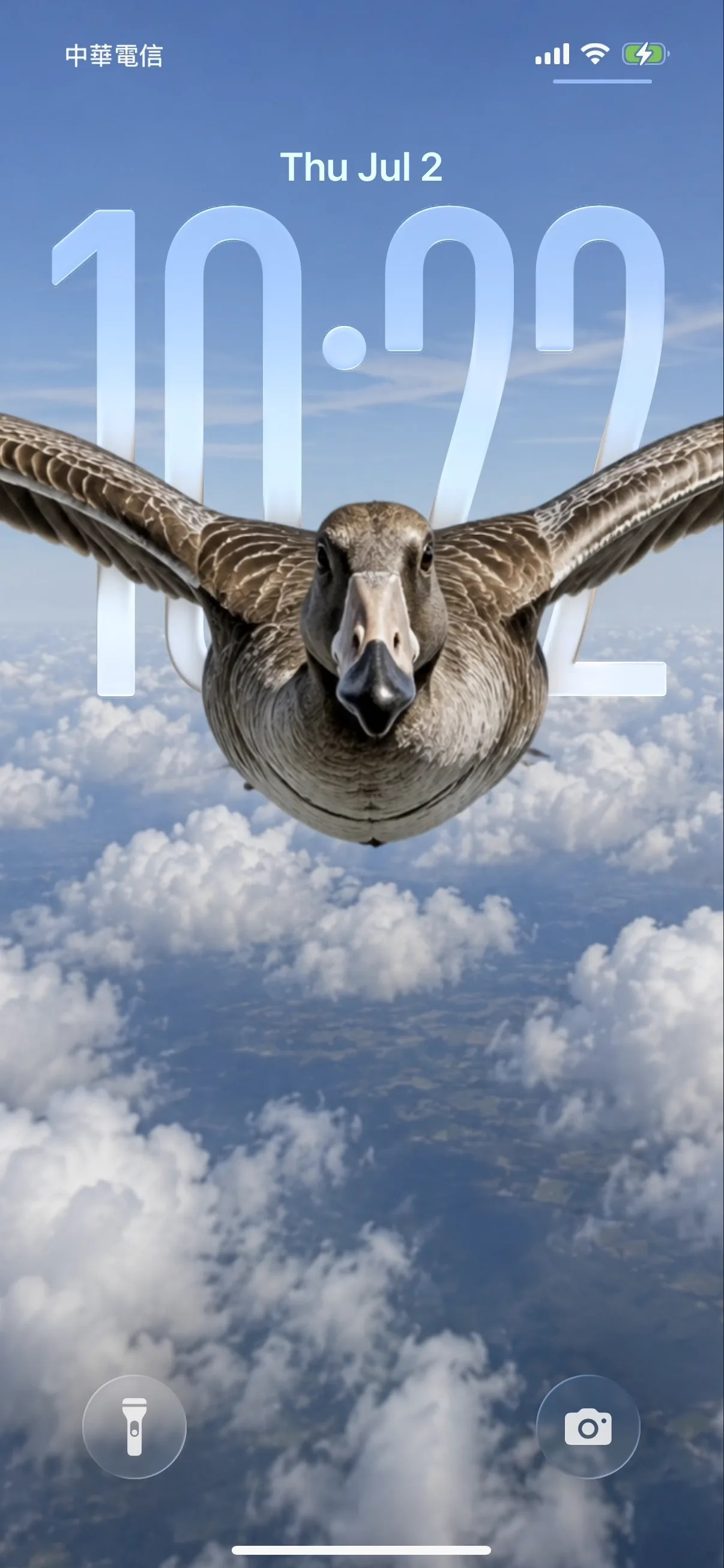
Wild Goose
24.3k







How to make the 3D parallax depth effect on iPhone
- 1
Pick a depth-ready wallpaper
Choose an image with one clear subject and open space near the top — like the depth-effect scenes on our iPhone 17 Pro depth pack. Download a free one, or open it in the 2Live app.
- 2
Open Wallpaper settings
On your iPhone, go to Settings → Wallpaper → Add New Wallpaper, then tap Photos and select your depth wallpaper.
- 3
Position the subject behind the clock
Drag and pinch so the main subject sits just below the clock with headroom above. iOS automatically lifts the subject in front of the time for the 3D parallax depth effect.
- 4
Confirm the depth layering
If the clock slides behind the subject, the depth effect is on. If it stays flat, reposition so the subject overlaps the clock area without covering the digits.
- 5
Set it — and add motion
Tap Add, then Set as Wallpaper Pair. For a moving 3D wallpaper, set it as a Live Photo in the 2Live app to get parallax plus motion on press-and-hold.
Get the 3D parallax depth effect
Watch your wallpaper lift into layers that shift as you tilt — the iOS depth effect where your subject floats in front of the lock-screen clock.
- 1Pick a depth-ready wallpaper — one clear subject, open space up top
- 2Set it on your Lock Screen and frame the subject behind the clock
- 3Tilt your phone — watch the foreground move in 3D
Get every wallpaper free in the app