Live wallpapers for iPhone 16 and 17 Pro
Updated 2026-07-06
Download 2Live freeLive wallpapers for iPhone 16 and 17 Pro
 Free
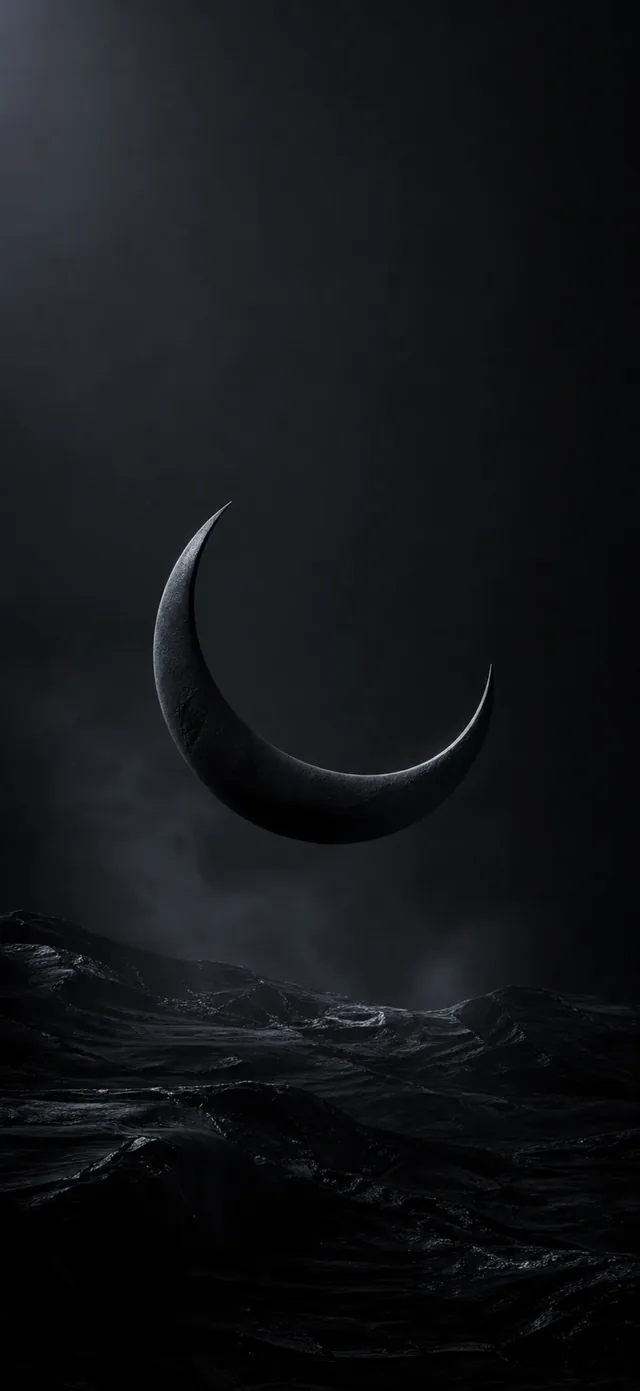
FreeBlack & AMOLED Wallpapers
 Free
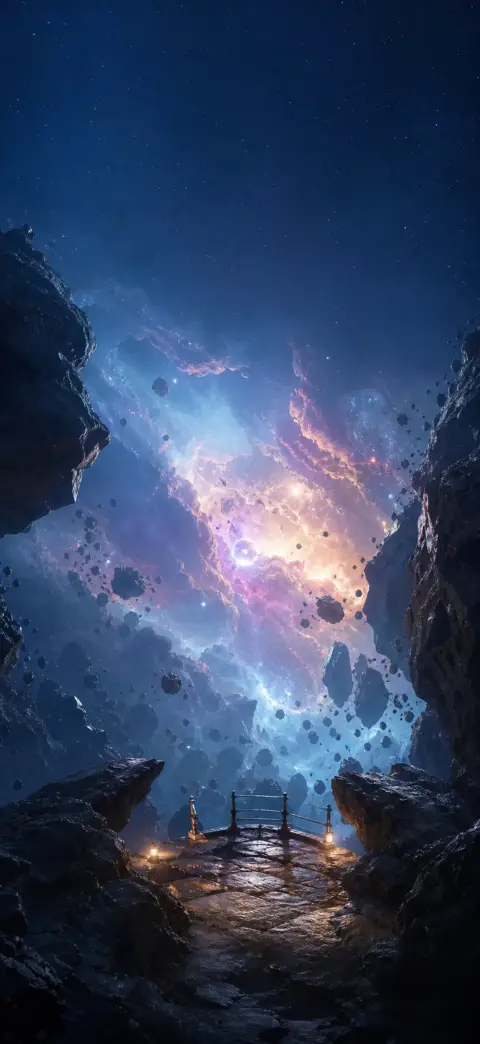
FreeSpace Wallpapers
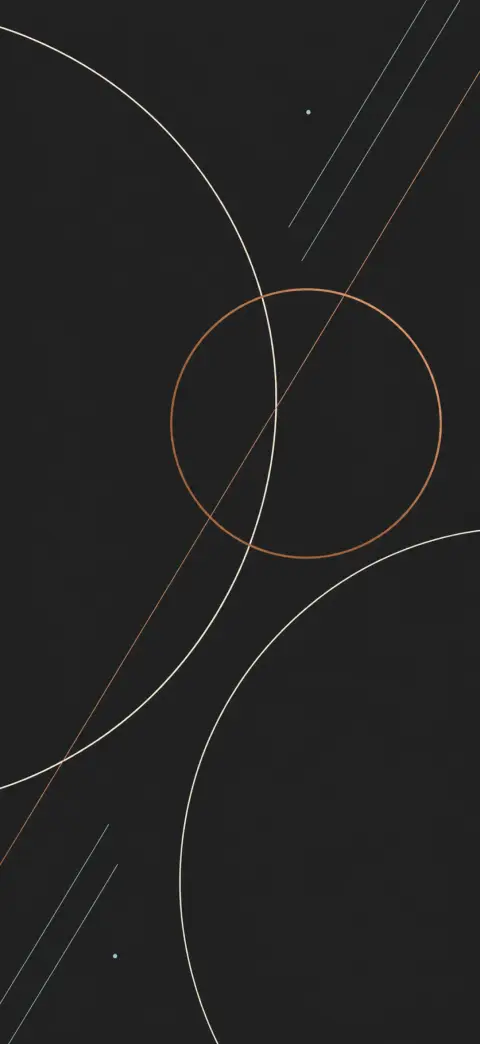
Abstract Wallpapers

Black & AMOLED Wallpapers
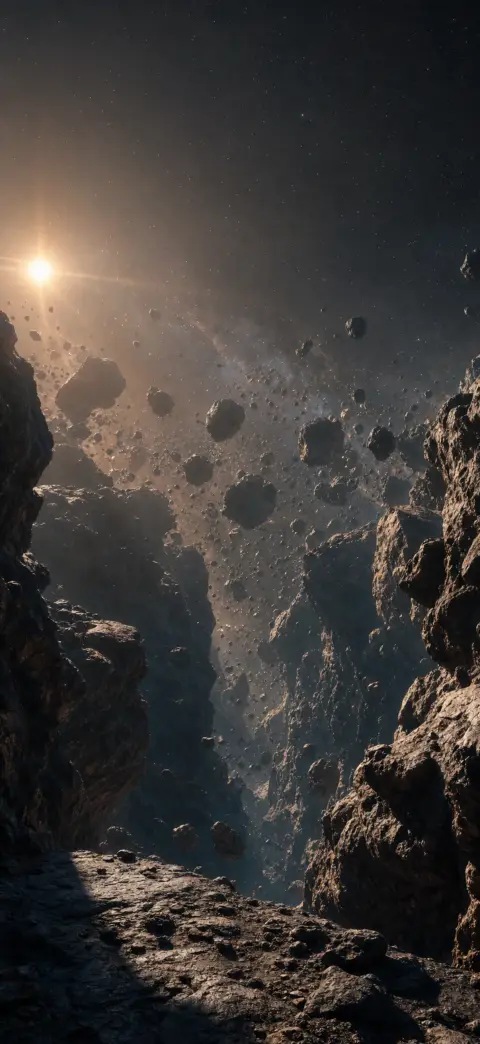
Space Wallpapers
Abstract Wallpapers

Black & AMOLED Wallpapers
Space Wallpapers
The iPhone 16 and 17 Pro have the hardware live wallpapers were made for — a 120Hz ProMotion OLED display, an Always-On lock screen and a huge, bright panel that shows every pixel. Here's how to set a 4K live wallpaper that actually uses it.
- 1
Save a 4K live wallpaper from 2Live
In the 2Live app, open any wallpaper and tap “Save to Photo Library” to add the Live Photo to your camera roll. Every wallpaper is free and true 4K, so it stays sharp on the Pro's big OLED panel.
- 2
Add it as your lock screen
Settings → Wallpaper → Add New Wallpaper → Photos, pick the Live Photo, and confirm the Live toggle is on.
- 3
Position for the depth effect
Drag the subject so the clock has headroom at the top — on the Pro, iOS lifts the subject in front of the clock for a 3D layered lock screen.
- 4
Set as Wallpaper Pair
Tap Set as Wallpaper Pair. Press and hold the lock screen and watch the motion play back at a fluid 120Hz.
Why ProMotion 120Hz matters for live wallpapers
ProMotion lets the display refresh up to 120 times a second, so live-wallpaper motion looks glassy-smooth instead of steppy. 2Live encodes its clips for high-frame-rate playback, so on an iPhone 13 Pro and later — including the 16 and 17 Pro — the press-and-hold animation runs at the panel's full rate.
AMOLED wallpapers and Always-On
The Pro's OLED screen switches pure-black pixels fully off, so a mostly-black AMOLED wallpaper looks razor-sharp and sips less power — especially with the Always-On display dimming your lock screen. Pair a true-black wallpaper with a bright accent for the best contrast.
Frequently asked questions
Do live wallpapers play at 120Hz on iPhone 16/17 Pro?
Yes. On ProMotion iPhones (13 Pro and later, including 16 and 17 Pro), the lock-screen live wallpaper plays back at up to 120Hz when you press and hold.
Does a live wallpaper show on the Always-On display?
The Always-On display shows a dimmed still frame of your wallpaper to save power; the motion plays when you wake the screen or press and hold.
Are the wallpapers really 4K?
Yes — 2Live curates and enhances wallpapers in true 4K, so they stay crisp on the Pro's large, high-resolution OLED panel.
Get thousands of free 4K live wallpapers