iPhone 17 wallpapers in 4K
Updated 2026-07-09
Download 2Live freeiPhone 17 wallpapers in 4K
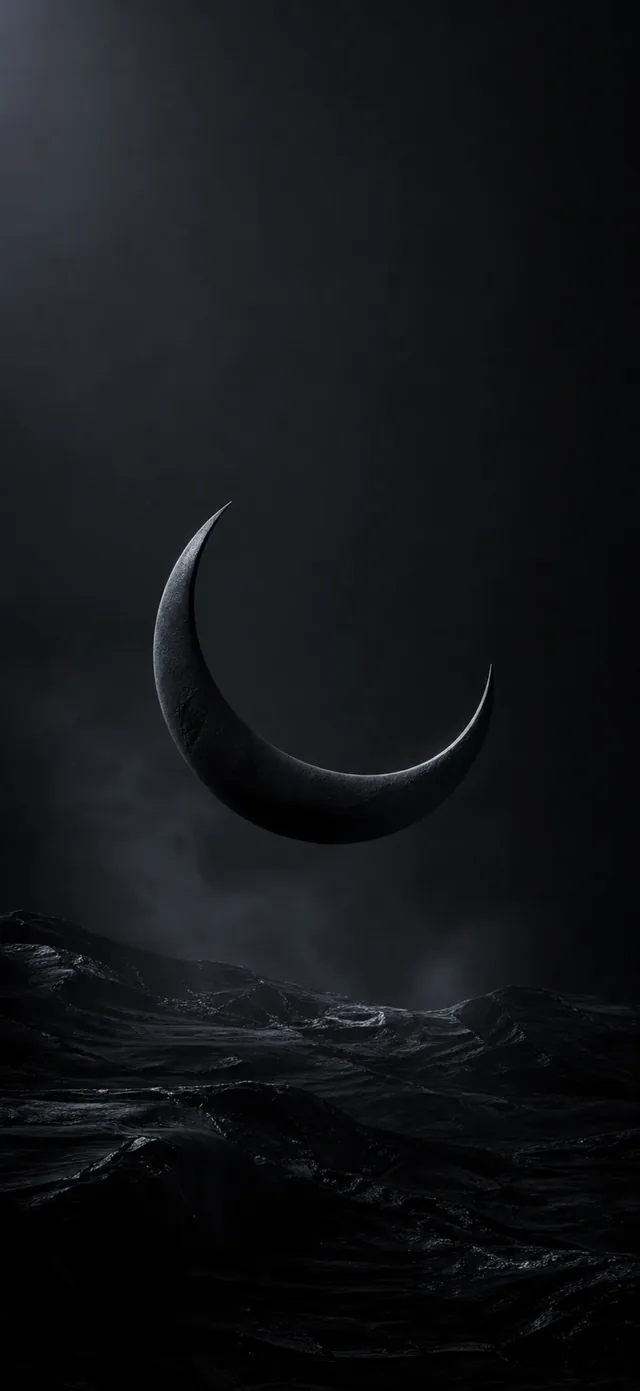 Free
FreeBlack & AMOLED Wallpapers
 Free
FreeAnime Wallpapers
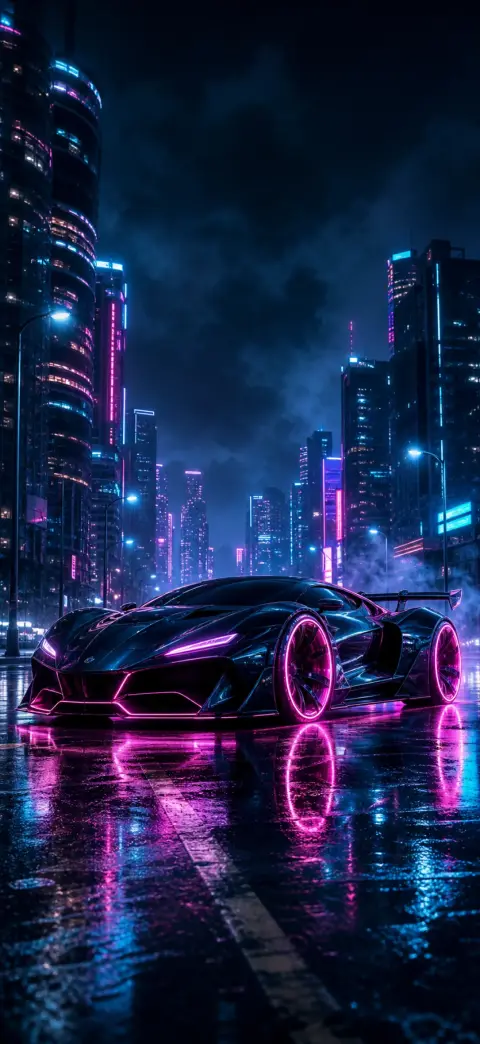
Vehicle Wallpapers

Black & AMOLED Wallpapers

Anime Wallpapers
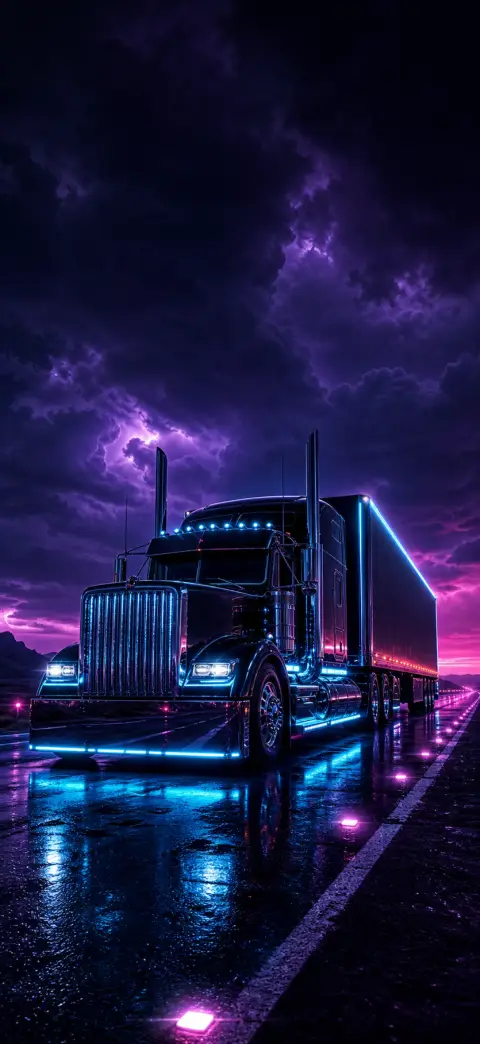
Vehicle Wallpapers

Black & AMOLED Wallpapers

Anime Wallpapers
The iPhone 17 line — 17, 17 Pro, 17 Pro Max and the thin new iPhone Air — pairs a bright OLED panel with ProMotion up to 120Hz and a big canvas. The wallpapers that show it off best do three things: lift a clear subject in front of the clock (depth effect), lean on true blacks for OLED, and move smoothly. Here's where to get free 4K ones and how to set them on your iPhone 17.
- 1
Get a 4K wallpaper
Open 2Live and save any wallpaper from the free For You feed — each is original 4K, sized for the iPhone 17's tall display.
- 2
Open Settings → Wallpaper → Add New Wallpaper
Or press and hold the lock screen and tap the + to start a new one.
- 3
Pick the image and add depth
Choose your photo, drag to position, and pinch out on a subject to switch on the depth effect so it sits in front of the clock.
- 4
Set as a pair
Tap Add → “Set as Wallpaper Pair,” or customize the home screen separately.
What resolution for iPhone 17, Pro and Pro Max?
A 4K portrait source (roughly 1206×2622 or larger) downscales cleanly to every iPhone 17 screen — the 6.3-inch 17 and 17 Pro, the 6.9-inch 17 Pro Max, and the iPhone Air. Starting from 4K avoids the soft, blocky look you get when a small image is stretched to fit.
Every 2Live wallpaper is delivered at that quality, so it stays crisp edge to edge on the Pro Max's larger panel.
Depth effect and AMOLED on the 17 line
All four iPhone 17 models use OLED, so true-black AMOLED wallpapers turn pixels off to save battery and make accents glow. Portraits with a clean top third trigger the depth effect for a layered lock screen — browse the animals, heroes, anime and vehicles collections, which are composed for exactly that.
Make it move at 120Hz
The Pro and Pro Max run ProMotion at up to 120Hz, so a live wallpaper looks glass-smooth. Set a Live Photo as your lock screen and press and hold to play it — 2Live turns any video into one on-device. See our guide on live wallpapers for iPhone 16 and 17 Pro, and browse the best iPhone wallpapers of 2026.
Frequently asked questions
What size wallpaper is best for iPhone 17 Pro Max?
A 4K portrait image around 1206×2622 or larger. It downscales cleanly to the 6.9-inch Pro Max and every other iPhone 17 model, staying sharp without artifacts.
Do these wallpapers work on the iPhone Air and iPhone 17e?
Yes — the iPhone Air and 17e use the same iOS wallpaper system, so any 4K wallpaper or Live Photo from 2Live sets exactly the same way.
Where can I get free iPhone 17 wallpapers?
The 2Live app offers 1,200+ original 4K wallpapers free, with a new hand-picked set each week — no watermark or subscription.
Can I use a live wallpaper on iPhone 17?
Yes. Set a Live Photo as the lock screen and press and hold to play it; on the Pro and Pro Max it runs at up to 120Hz. 2Live converts any clip into a Live Photo on-device.
Get thousands of free 4K live wallpapers