How to change your wallpaper on Mac
Updated 2026-07-09
Download 2Live freeHow to change your wallpaper on Mac
 Free
FreeNature Wallpapers
 Free
FreeSpace Wallpapers

Abstract Wallpapers
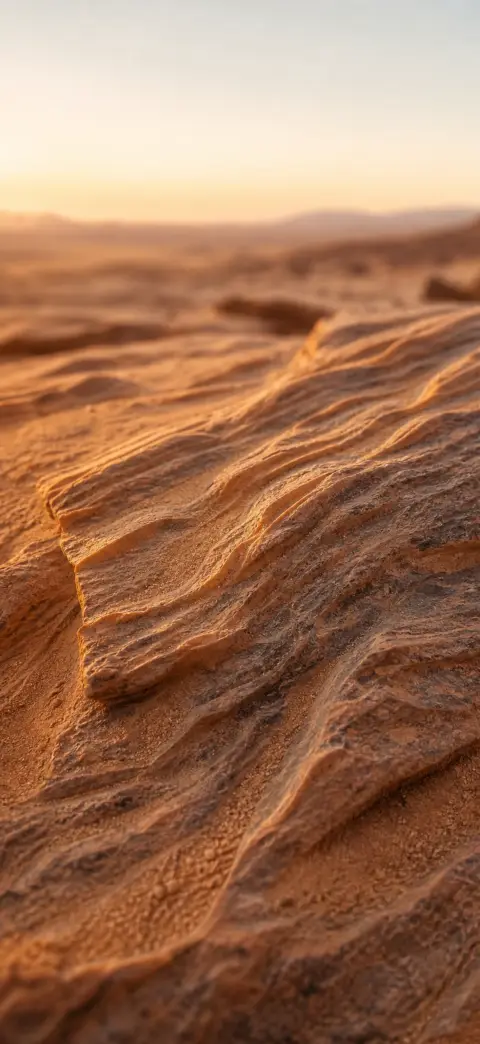
Nature Wallpapers

Space Wallpapers

Abstract Wallpapers

Nature Wallpapers

Space Wallpapers
Changing your Mac wallpaper lives in System Settings → Wallpaper, where you can also make it shuffle through a folder or shift between light and dark versions through the day. Here's the walkthrough, where to get free 4K desktop wallpapers, and how to carry the same look onto your iPhone as a live wallpaper.
- 1
Get a 4K wallpaper
Download a free 4K image from 2Live (or any high-resolution photo) and save it to a folder on your Mac.
- 2
Open System Settings → Wallpaper
Click the Apple menu → System Settings, then choose Wallpaper in the sidebar.
- 3
Add your image
Click “Add Photo” or “Add Folder,” or pick one of the built-in categories. Select the wallpaper you want.
- 4
Set the display options
Choose “Show on all Spaces” or set a different wallpaper per display, and pick Fill Screen so it covers edge to edge.
Auto-rotate a folder of wallpapers
Add a folder in the Wallpaper settings and turn on “Rotate” to cycle through it — on a timer, on wake, or on sleep, and optionally in a random order. Point it at a folder of 2Live downloads for a fresh 4K desktop every day.
Use a dynamic light/dark wallpaper
Some wallpapers include a light and a dark version and shift automatically with your Mac's appearance. In Wallpaper settings, look for “Dynamic” under a wallpaper and choose “Automatic” so it tracks day and night.
Match your Mac and iPhone
Set the same artwork as a still on your Mac and as a moving Live Photo on your iPhone lock screen. 2Live turns any clip into a 4K Live Photo on-device — see our guides on changing your iPhone wallpaper and setting a live wallpaper on iPhone.
Frequently asked questions
How do I change my wallpaper on a Mac?
Open the Apple menu → System Settings → Wallpaper, click Add Photo or pick a category, select your image, and set it to Fill Screen. The change applies immediately.
How do I make my Mac wallpaper change automatically?
Add a folder in Wallpaper settings and enable Rotate — you can cycle on a timer, on wake or on sleep, in order or shuffled.
Where can I download free 4K wallpapers for Mac?
2Live's 4K wallpapers work great on desktop — download them free from the app and drop them in a folder your Mac rotates through.
Can I get a live wallpaper on Mac?
macOS ships aerial and dynamic wallpapers that move or shift with the time of day. For a truly custom moving wallpaper, set one on your iPhone lock screen with 2Live and keep the matching still on your Mac.
Get thousands of free 4K live wallpapers